

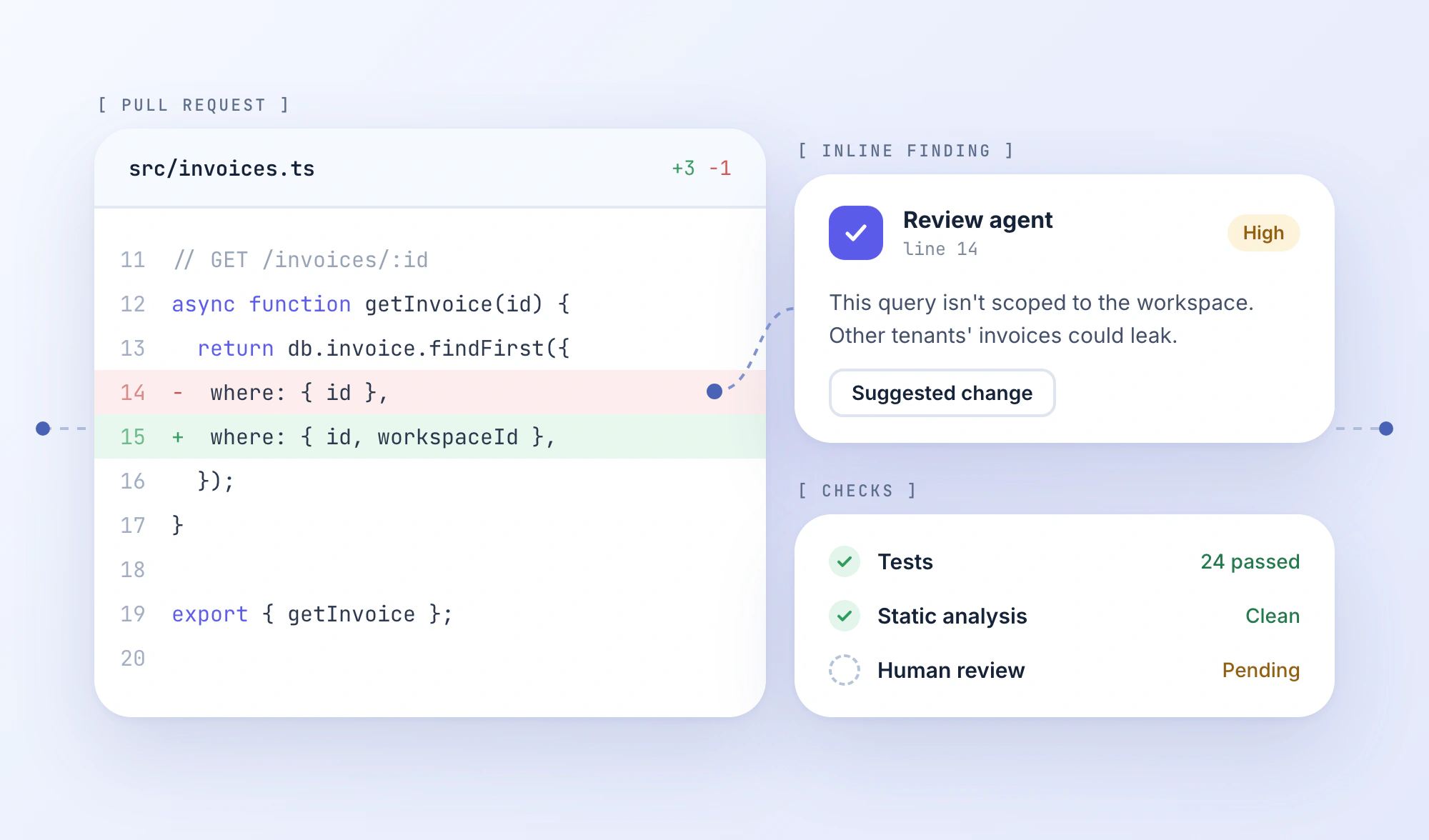
CodeRabbit can comment on a pull request automatically. Greptile emphasizes relationships across the repository. GitHub Copilot Code Review works inside a team's existing GitHub workflow. All three review code, but they solve different problems.
Those differences matter when a change looks harmless in isolation but breaks an existing caller, overlooks an authorization check, or conflicts with a project-specific rule. The right reviewer needs access to the right context, and its feedback needs to reach developers at a useful point in their workflow.
This guide compares nine AI code review tools by their strengths, limitations, integrations, and pricing models. The goal isn't to pick a universal winner. It's to show which tool is worth evaluating for your repository and review process.
AI Code Review Software at a Glance
| Tool | Best fit | Git platform support | Published pricing model |
|---|---|---|---|
| CodeRabbit | Automated PR feedback | GitHub, GitLab, Bitbucket, Azure DevOps | Essentials from $24/developer/month annually |
| Greptile | Repository-wide context | GitHub, GitLab, Bitbucket | Free tier; Pro from $1 per credit |
| Qodo | Multi-repo reviews and standards | GitHub, GitLab, Bitbucket, Azure DevOps | Review credits; Pro Team from $30/month |
| GitHub Copilot Code Review | GitHub-native teams | GitHub; Azure DevOps in preview | Copilot plan plus review usage |
| Cursor Bugbot | Cursor-centered teams | GitHub, GitLab, Bitbucket, Azure DevOps | Usage-based; about $1 to $1.50 per review on average |
| Claude Code Review | Intensive multi-agent reviews | GitHub | Eligible Team/Enterprise plan plus usage |
| Graphite Agent | Stacked PRs | GitHub | Limited free tier; Team from $40/user/month annually |
| Bito | Review across Git and IDEs | GitHub, GitLab, Bitbucket | Team from $12/seat/month annually, with limits |
| PR-Agent | Custom self-hosted automation | GitHub, GitLab, Bitbucket, Azure DevOps and others | Open source; infrastructure and model costs |
Editorial approach: These are documentation-based recommendations organized by workflow fit. We compared published capabilities, platform support, review controls, and pricing; we did not run a controlled accuracy benchmark. “Best for” describes a plausible use case, not a verified bug-detection leaderboard.
9 AI Review Platforms Worth Considering
1. CodeRabbit
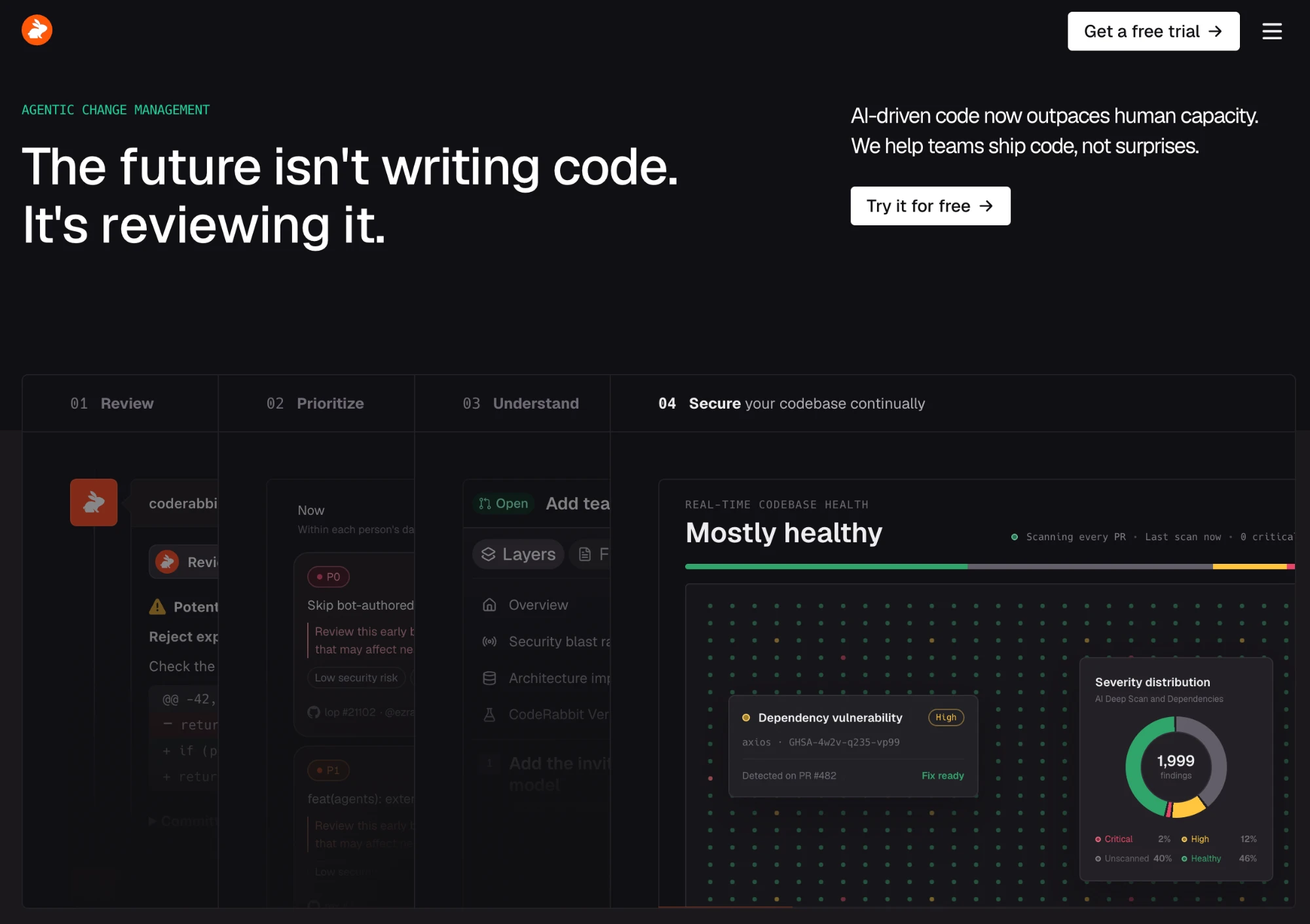
CodeRabbit reviews pull requests in supported Git platforms and posts inline comments about potential bugs, security issues, and code-quality concerns. It can generate summaries and suggest corrections, giving contributors an initial pass before a human reviewer picks up the PR.
Its review process combines model-based analysis with linters and static analysis. Repository instructions help teams steer comments toward their conventions instead of relying on generic recommendations. It also supports configurable triggers and feedback on review usefulness.
Why it stands out: CodeRabbit is built for the recurring PR review process rather than tied to one code editor. It's a straightforward candidate for teams seeking automatic feedback across multiple Git providers.
Watch out for: More advanced checks and cross-repository features sit on higher tiers. Frequent PR updates can also affect usage and review volume, so check plan limits rather than comparing only the seat price.
Pricing: Essentials starts at $24 per developer/month billed annually; Team starts at $48 per developer/month annually.
Choose it when: Your team wants consistent automated comments on routine PRs with review rules it can tune over time.
2. Greptile
Greptile indexes repository relationships so reviews can consider callers, dependencies, and implementation patterns outside the changed files. That matters when editing shared interfaces, authorization helpers, or library code consumed elsewhere.
Greptile can leave automated PR comments, use custom review instructions, and connect findings to compatible coding agents. Its strongest proposition is the context available when a problem cannot be understood from a patch alone.
Why it stands out: Repository-aware analysis is central to Greptile's design. For interconnected systems, the relevant question is often what a change breaks elsewhere, not whether the modified function is syntactically valid.
Watch out for: Repository indexing doesn't guarantee correct reasoning. Evaluate findings on cross-file changes your team already understands, and watch credit consumption as review depth increases.
Pricing: A limited free tier is available. Pro has no seat fees: prepaid credits cost $1 each and are shared across the organization.
Choose it when: Missed dependencies and unintended effects outside a PR are a recurring review problem.
3. Qodo
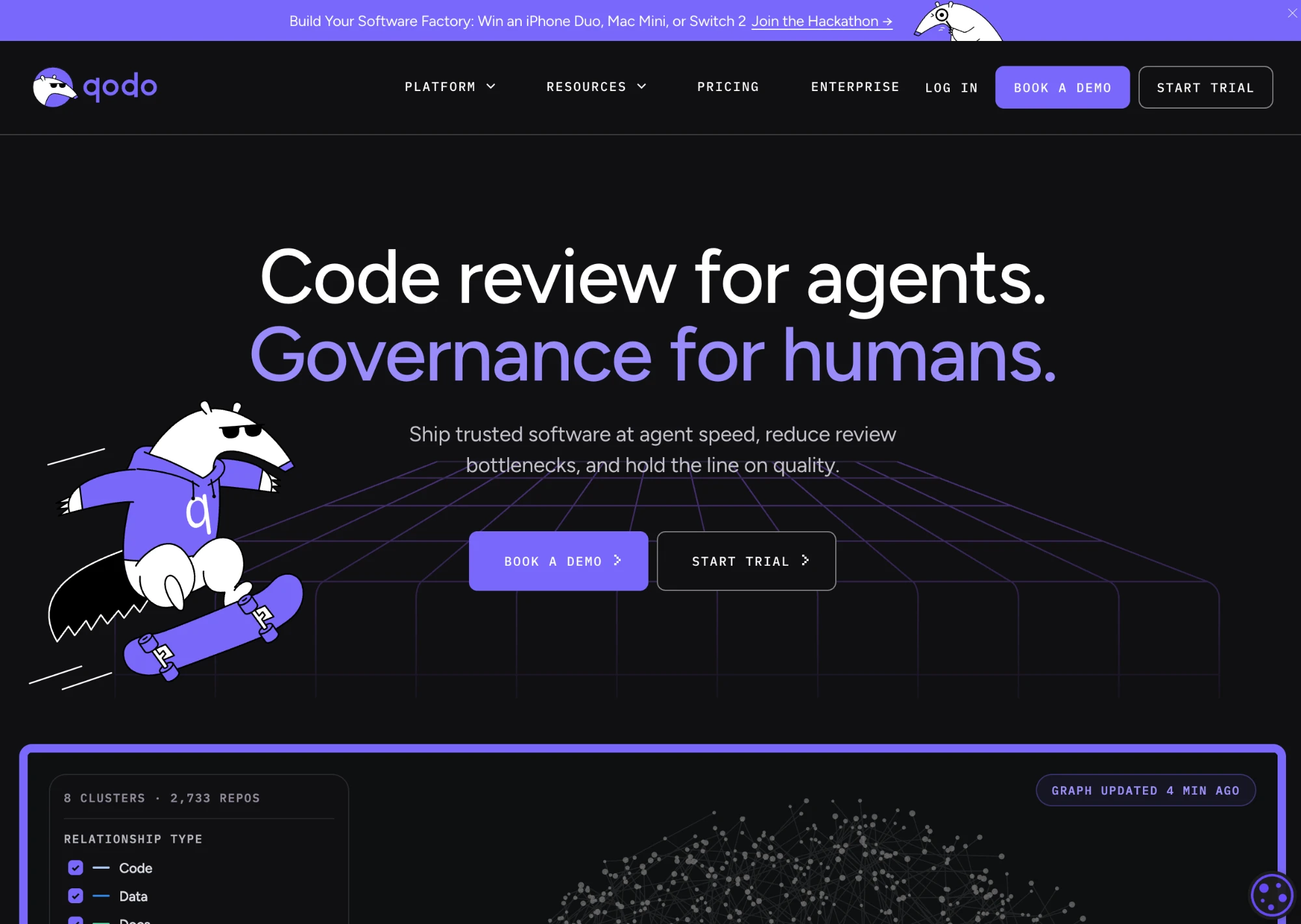
Qodo combines contextual PR review with organization-level standards. Its review agents can use repository context and connected engineering information to evaluate whether changes comply with team conventions and affect code elsewhere.
Cross-repository analysis is especially relevant when a shared API, schema, or package change has downstream consumers. Teams can also configure rules to make feedback more consistent across contributors.
Why it stands out: Qodo addresses the governance side of review as well as potential defects. It is more compelling when reviewers need to apply common standards across multiple services and repositories.
Watch out for: A solo developer with one small repository may not need the added configuration. Verify which cross-repository and organizational capabilities are included in your proposed plan.
Pricing: Pro Team starts at $30/month in pooled review credits; consumption depends on review activity and settings.
Choose it when: Inconsistent code standards or changes spanning multiple repositories create review friction.
4. GitHub Copilot Code Review
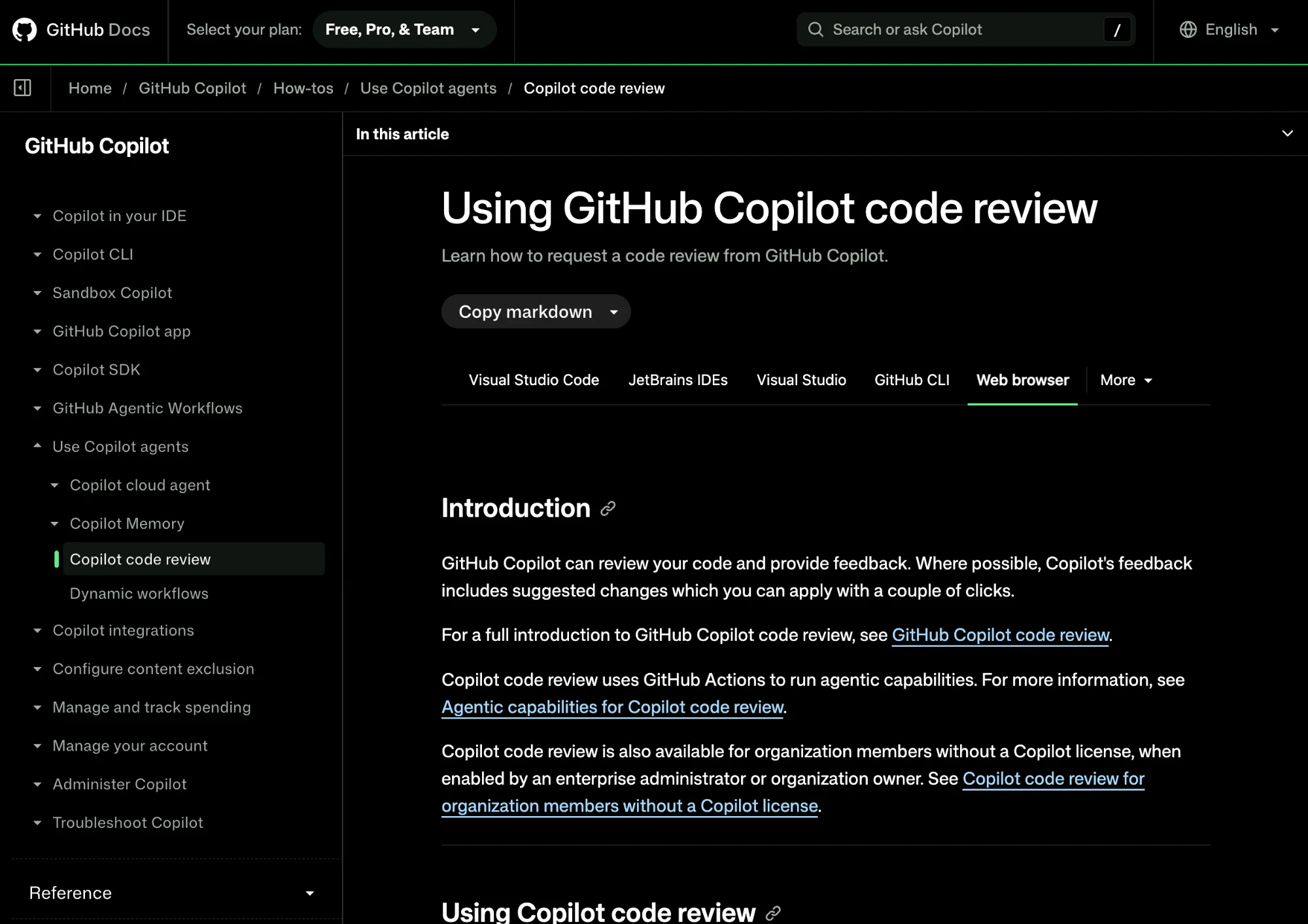
GitHub Copilot Code Review lets developers request feedback within GitHub pull requests. It produces inline comments and suggested changes, and teams can configure automatic reviews and repository instructions.
The main advantage is convenience. A team already using GitHub and Copilot can review and discuss findings in its existing interface. Supported environments also allow review of local changes before a PR is opened.
Why it stands out: It reduces the need for another PR review dashboard or separate integration, making it a practical baseline against which other tools can be compared.
Watch out for: Costs and availability depend on Copilot entitlements and AI-credit usage. Intensive reviews may also use GitHub Actions resources, so check the complete billing picture.
Pricing: Copilot Pro starts at $10/month, but reviews have usage-related costs; organizational plans and allowances vary.
Choose it when: The team is already GitHub-first and wants to test native review before purchasing a specialist product.
5. Cursor Bugbot
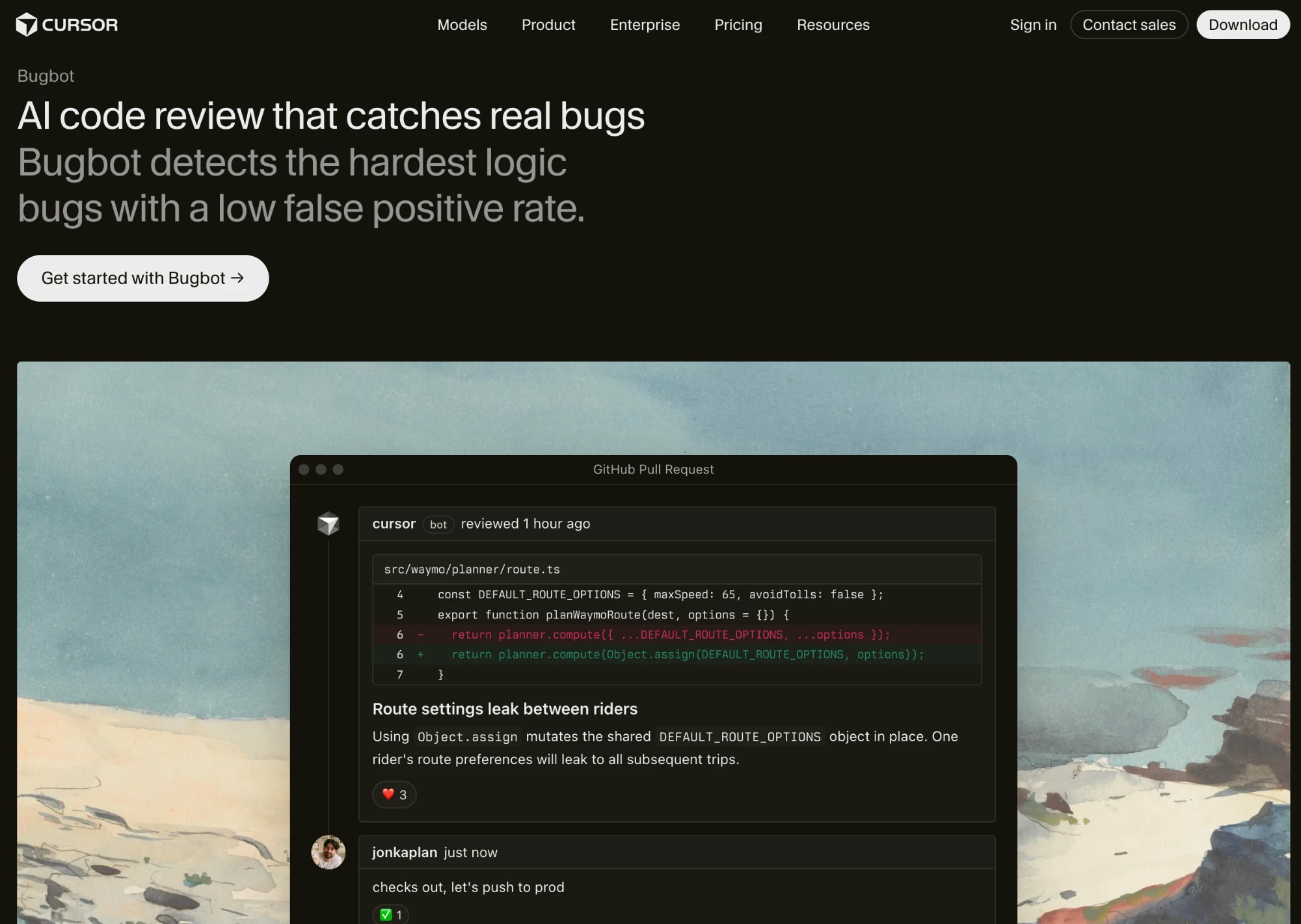
Cursor Bugbot analyzes pull requests for potential bugs and security problems, then reports findings as review comments. It supports repository-specific instructions through .cursor/BUGBOT.md and can review new PR updates.
For teams using Cursor, a reported problem can connect to the environment where developers or agents make changes. Supported setups offer automated fixing options, making the transition from review comment to proposed patch shorter.
Why it stands out: Bugbot's main differentiator is its relationship with Cursor's coding workflow, not a claim that it will catch every defect another reviewer misses.
Watch out for: The availability of automated fixes differs between Git providers, and usage depends on PR complexity. Teams using several editors should assess how much value they get from the Cursor-specific integration.
Pricing: Usage-based, with Cursor citing roughly $1 to $1.50 per review on average; included allowances depend on plan.
Choose it when: Contributors already use Cursor and want review findings to flow naturally into their fixing process.
6. Claude Code Review
Claude Code Review uses multiple specialized agents to inspect GitHub pull requests and investigate potential regressions, security problems, and logic errors. It can consider surrounding code and repository instructions before presenting findings.
Organizations can configure review effort to match the complexity and risk of changes. That allows deeper analysis to be reserved for areas where review mistakes would be costly.
Why it stands out: Its parallel review design makes it a candidate for teams that value intensive analysis over the lowest possible review cost.
Watch out for: It is a managed offering for eligible Claude Team and Enterprise organizations, distinct from using Claude Code manually or in a custom workflow. It is comparatively expensive for high-volume, low-risk PRs.
Pricing: Separate usage charges; Anthropic reports typical costs of approximately $15 to $25 per review, on top of an eligible plan.
Choose it when: Complex or high-impact PRs justify more review effort and spend.
7. Graphite Agent
Graphite Agent brings AI review into Graphite's system for creating, managing, and merging pull requests. Graphite is particularly known for stacked PRs: a large change is divided into smaller dependent requests that can be reviewed incrementally.
AI findings appear in the same workflow where developers track those dependencies and respond to review feedback.
Why it stands out: Graphite addresses how teams organize reviews, not just the comments an AI produces. A smaller change set can be easier for people to evaluate, especially when a feature spans several PRs.
Watch out for: Its GitHub focus and broader PR workflow may be unnecessary if your team doesn't use stacks or already has an established review-management system.
Pricing: Limited free AI reviews on Hobby; Team starts at $40/user/month annually, with additional platform features.
Choose it when: Stacked pull requests are a central part of how your team ships code.
8. Bito
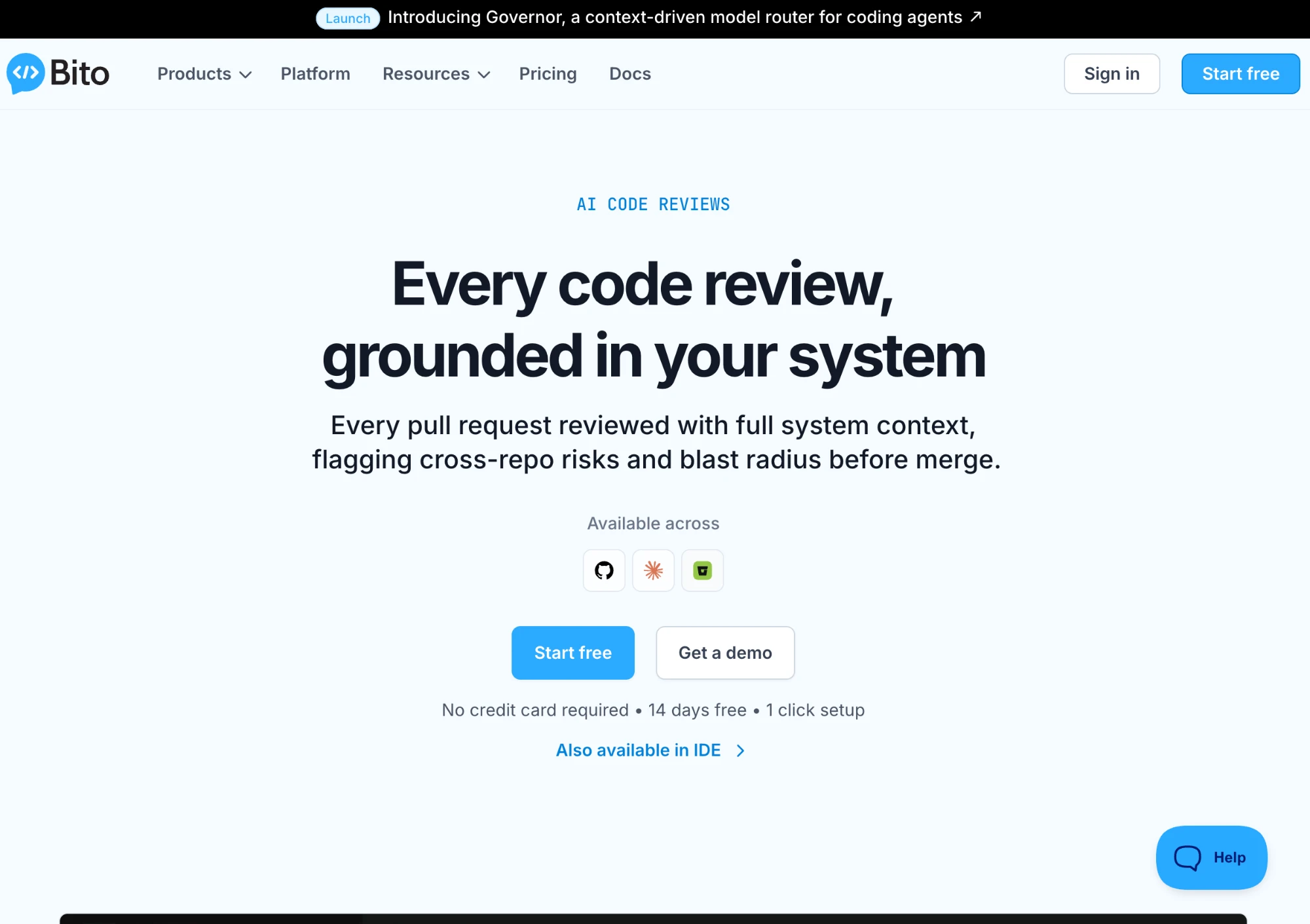
Bito provides AI review on GitHub, GitLab, and Bitbucket, as well as local review features in supported editors. It produces PR summaries, inline findings, and suggestions, using surrounding repository context.
Its broader context offerings can include engineering documentation and cross-repository relationships, depending on plan. Teams can also combine AI feedback with static analysis integrations.
Why it stands out: Bito is worth considering when developers want to inspect changes locally and continue using the same review product once the PR is opened.
Watch out for: Cross-repository impact analysis is an advanced capability, not a feature of every subscription. Line-based allowances can also matter for teams reviewing large diffs repeatedly.
Pricing: Team starts at $12 per seat/month billed annually, with included reviewed-line limits and potential overages.
Choose it when: Your team wants review coverage in both developer editors and Git platforms.
9. PR-Agent
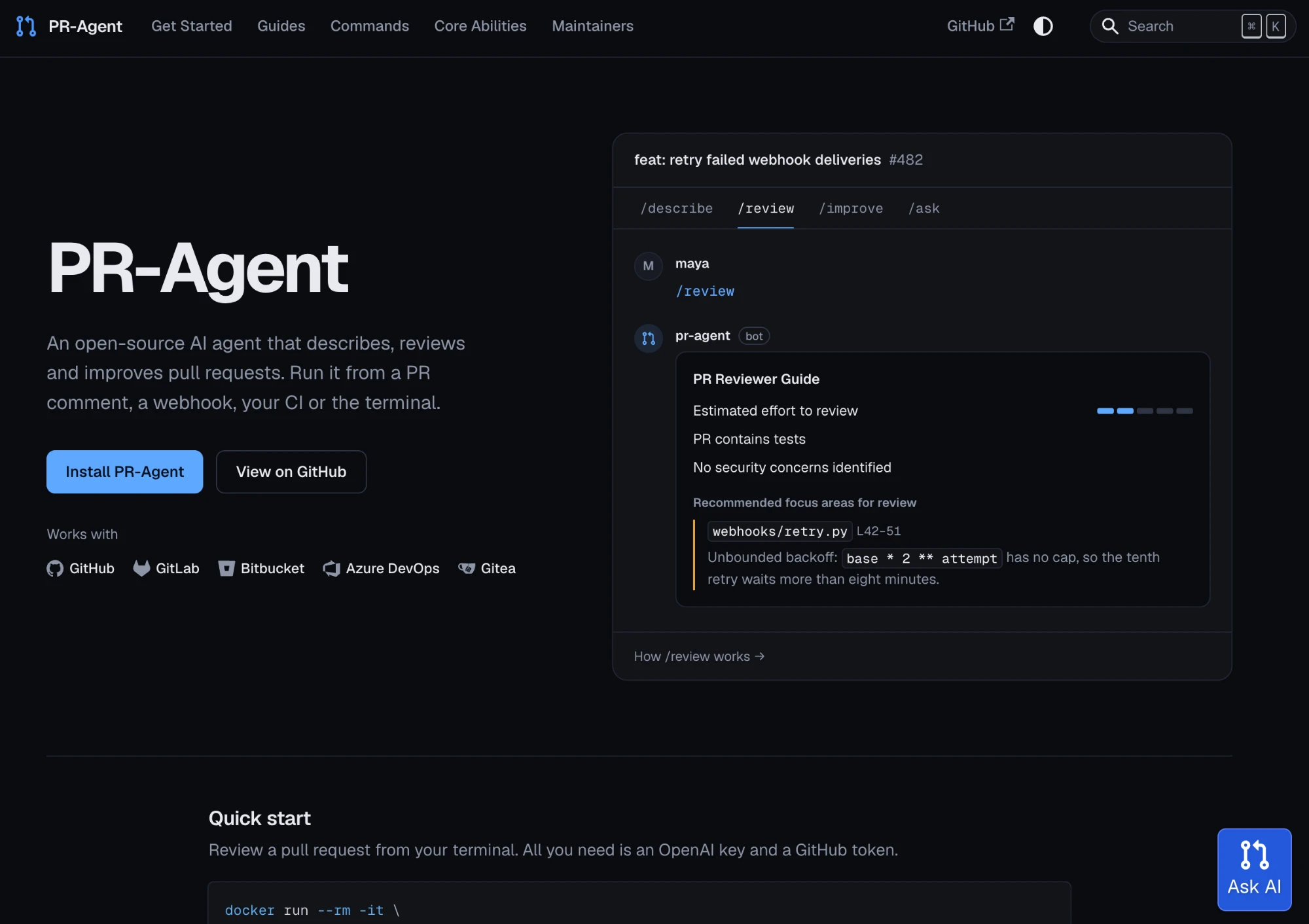
PR-Agent is an open-source project that can review pull requests, draft descriptions, and suggest improvements. It supports several Git services and can be triggered via commands, webhooks, or CI workflows.
Teams can configure prompts, connect supported models, and control deployment. PR-Agent originated at Qodo but now operates as a separately maintained community project.
Why it stands out: Unlike a managed SaaS reviewer, PR-Agent lets developers inspect and modify the automation they run, making it appropriate for teams with unusual requirements.
Watch out for: Self-hosting is not the same as zero cost or guaranteed data isolation. Model providers may still process code, and somebody must manage permissions, updates, infrastructure, and reliability.
Pricing: No software license fee for the open-source project; model calls and infrastructure are separate costs.
Choose it when: Control over deployment and review configuration is more important than a turnkey service.
Four Factors That Actually Change the Decision
1. Can the reviewer recognize an issue outside the changed lines?
Imagine a multi-tenant application where a PR updates the query used to retrieve an invoice:
const invoice = await db.invoice.findFirst({
  where: { id: invoiceId }
});
The query is valid, but it may be unsafe if the application requires invoice lookups to be limited to the current workspace. In that situation, the intended filter might look like this:
const invoice = await db.invoice.findFirst({
  where: { id: invoiceId, workspaceId: currentWorkspace.id }
});
A reviewer that sees related authorization patterns or requirements has a better chance of flagging the missing constraint than one examining the snippet alone. However, the query might also be protected elsewhere. A useful comment should identify the actual risk, not simply insist on a particular implementation.
This is a hypothetical illustration, not a result from testing the nine products. It shows why codebase context and false-positive control need to be evaluated together.
2. Does the reviewer run at the right moment?
Auto-reviewing every new PR is convenient, but every push can trigger additional analysis. For large teams, the difference between incremental feedback and a full repeated review may affect both latency and spend.
Ask whether a product supports draft PRs, manual requests, reruns after commits, and different review-effort levels. A team may want lightweight checks on routine changes but deeper analysis for authentication, payments, or shared infrastructure.
The correct trigger policy depends on review volume and risk; automatic reviews are not always the best default.
3. How actionable is the feedback?
“Possible bug on line 42” is less useful than a comment explaining the failing scenario and showing where the expectation comes from. Review products differ in how they explain findings, suggest patches, and connect developers to coding agents.
Cursor Bugbot and Greptile offer paths from review findings to coding-agent workflows. But an automatically generated fix is still a proposed change, not proof that the bug is resolved. If you want a deeper explanation of what those agents can execute, see how AI coding agents actually work.
During evaluation, measure the time needed to validate and resolve a finding, not the number of comments produced.
4. What is the cost at your actual PR volume?
A $10 subscription, a $30 credit pack, and a $20 per-review system aren't directly comparable. Review volume, changed lines, depth settings, and repeated pushes all change the bill.
A useful estimate is monthly PRs × average paid reviews per PR × effective review cost, with seat fees and overages added where applicable. For self-hosting, include model usage and maintenance.
For example, a team that opens 100 PRs a month and pays for two reviews on each will consume roughly 200 paid reviews. The true cost depends on the provider's pricing units, but this calculation exposes the question a headline price alone cannot answer.
Where Automated Reviews Fall Short
AI review findings should be treated as evidence to investigate, not as a guarantee of correctness. Reviewers can produce false positives when they miss an existing safeguard, or false negatives when critical business requirements aren't available in the repository.
They can also miss problems that require a running environment, real data, or load testing. Some tools restrict file types, PR sizes, or the number of lines they inspect. A “review complete” status doesn't necessarily mean every relevant path was examined.
The practical safeguard is to combine AI comments with established tests, security checks, and appropriately scoped human review. For more on the human role in agent-assisted development, our agentic coding vs. vibe coding comparison explores the distinction without repeating it here.
Which AI Reviewer Fits Your Workflow?
There isn't one universal winner. CodeRabbit is a sensible first evaluation for automated PR comments across Git platforms. Greptile is interesting when failures emerge in related code, while Qodo addresses shared standards and cross-repository dependencies.
If your team is already committed to an ecosystem, compare GitHub Copilot Code Review or Cursor Bugbot with specialist alternatives before adding another subscription. Claude Code Review is better suited to review-heavy changes that warrant additional expense. Graphite Agent fits teams using stacked PRs, and Bito is relevant when local IDE review matters as much as PR feedback. PR-Agent offers a customizable, self-hosted route.
Dedicated PR bots are not the only option for reviewing work in progress. PandaOS offers code-review skills, specialized review agents, and Git diff inspection in its local development workspace. That supports reviewing changes before committing, rather than replacing a hosted bot that comments automatically on every new PR.
Bottom line: Choose a reviewer based on the types of mistakes you need to catch, the context it can access, the quality of its findings, and the real cost of using it at your team's pace.
FAQ
What permissions does an AI pull request reviewer need?
Permissions depend on the integration. A reviewer typically needs access to repository content and pull request metadata, and may require permission to post comments or update checks. Before installation, inspect the Git app's requested permissions and restrict access to the repositories it actually needs.
Can you run two AI reviewers on the same pull request?
Yes, if your Git platform and the tools support it. That can be useful during a short comparison trial, but running two bots indefinitely can create duplicate comments and extra cost. Compare unique, actionable findings rather than combining comment totals.
Does an AI review comment count as PR approval?
Not necessarily. Posting comments, submitting a review, and satisfying a required approval rule are separate actions. Confirm how each integration works with branch protection, required status checks, and your organization's human-approval policies before relying on it in a merge process.
What should teams check before letting a reviewer access private code?
Review the vendor's data retention, model-provider policies, training-data controls, access scopes, and hosting options. If using a self-hosted project, verify where model requests are sent: hosting the application yourself does not automatically keep code off third-party inference services.
Should teams turn on AI review for every repository immediately?
A limited pilot is usually more informative. Start with repositories where defects and review delays are visible, establish a baseline for useful findings and review time, and expand only when the signal justifies the noise and cost. That also makes it easier to tune review instructions before a broad rollout.