

Standup Prep
Your Daily Standup, Written Before You Sit Down
PandaOS reads yesterday's commits, deploys and mail, sorts them into done, in progress and blocked, and moves your Jira tickets to match.
 Your Keys
 Hot-Swap AI Plans
 No Data Training
 Desktop-First
The problem
Why Standup Prep Eats the Morning
Writing a daily standup from memory means scrolling git commits, checking which deploys went out and skimming the mail that came in overnight. It is ten minutes of looking things up before the day has started, every day.
- Yesterday's commits
- Deploys
- Overnight mail
- The sprint board
- Ten minutes, every day
How the Automated Standup Works
Each step is one app doing one job, and the note is written from what they return, not from memory.
Every weekday at 9:00: read yesterday's commits, Vercel deploys and mail, write the standup, then update the sprint in Jira.
- 01
Write One Prompt
Ask for yesterday's commits, deploys and important mail, summarised for standup.
Chat - 02
Put It on a Schedule
Make it an Automation for weekdays, a little before your standup.
Automations - 03
Read Git
PandaOS reads the commit log of your project since the last run.
GitHub - 04
Check the Deploys
It looks at your Vercel deployments: what went live, what failed.
Vercel - 05
Skim the Inbox
It picks out the mail that matters for the work, and leaves the rest.
Gmail - 06
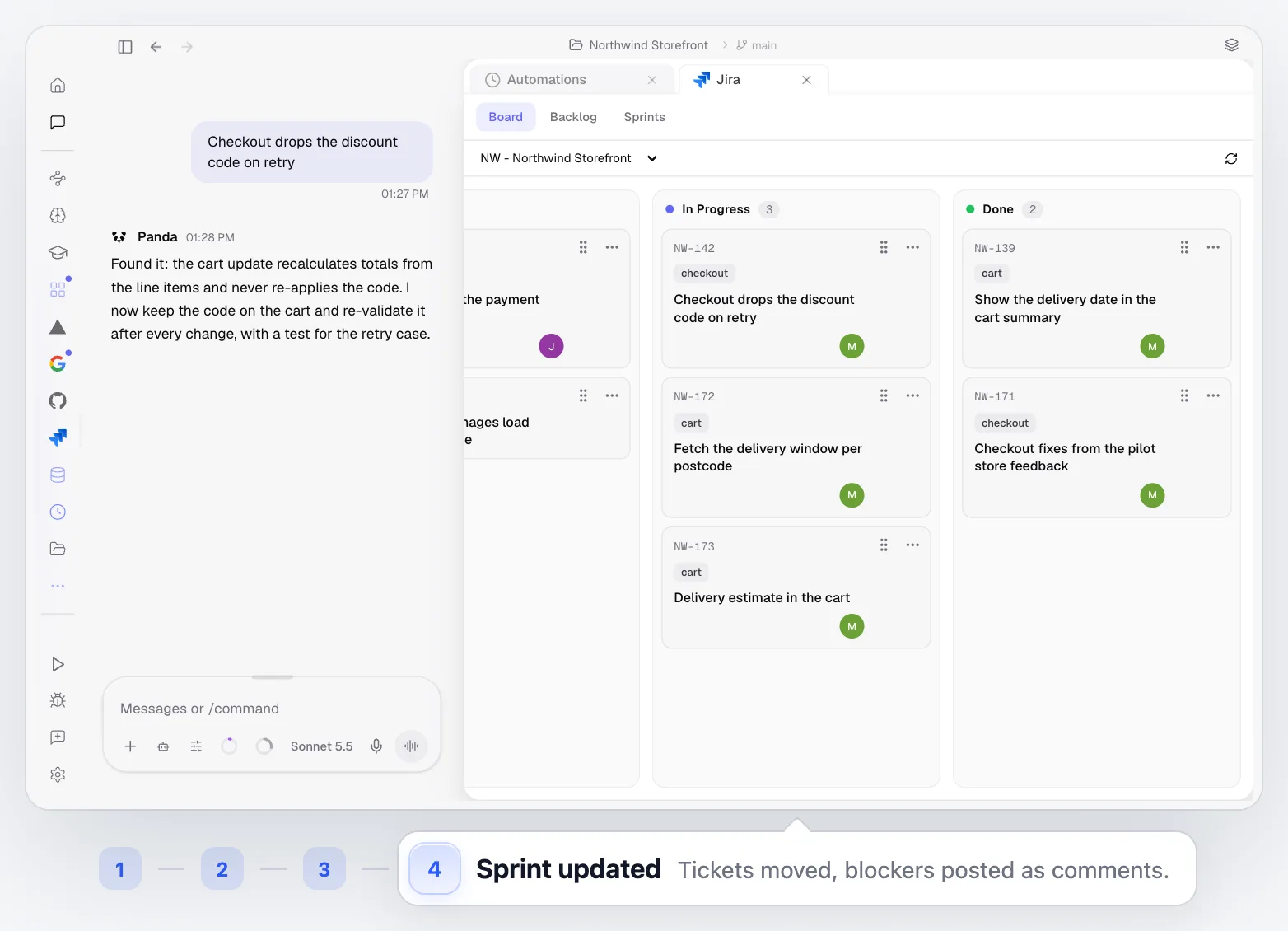
Update the Sprint
Finished tickets move in Jira and blockers land as comments, after you approve.
Jira
Best for Developers Who Ship Every Day
The busier yesterday was, the more a written summary saves you.
Daily Standups
Walk in with a note instead of reconstructing your day out loud.
Async Teams
Paste the note into Slack or a doc for teammates in other time zones.
Several Projects at Once
One summary per project, so nothing from the quieter repo gets forgotten.
Weekly Reviews
Change the schedule to Fridays and get the week instead of the day.
Built Into the Rest of PandaOS
The parts of PandaOS this workflow runs on, each worth a look on its own.
Start the Day Already Caught Up
Write the prompt once, schedule it, and let the standup note be the first thing waiting for you.
FAQ
Does it run when my laptop is closed?
Automations run while PandaOS is running. Closing the window keeps PandaOS in the menu bar, where the schedule still fires; quitting the app stops it until you open it again.
Which sources can it read?
Whatever the project has connected: the Git history of the repo, Vercel deployments, and Gmail or Outlook. Add or remove sources by changing the prompt.
Where does the standup show up?
In your Jira sprint: finished tickets move, and blockers are posted as comments on the tickets they block. The run's full text is also in the automation's result.
Can I change the format?
Yes. The format is whatever the prompt asks for: bullets, a table, one line per project, or your team's template.
Is my mail sent anywhere?
No. PandaOS reads your connected inbox to write the summary. Sending mail is a separate action you control per app.
How is this different from a standup bot like Geekbot?
A standup bot asks people to type their updates. PandaOS writes yours from the work itself: your commits, deploys and mail, then updates Jira after you approve.


