

Your whole stack.
One workstation.
PandaOS is the local AI workspace for builders who want to build faster, stay in flow, and stop juggling disconnected apps.
 Your Keys
 Hot-Swap AI Plans
 No Data Training
 Desktop-First
The hard part isn't the code.
It's everything around it.
Modern builders still work across editors, terminals, browsers, dashboards, databases, deployment tools, email, scripts, and scattered AI apps.

Your tools don't talk to each other. So you do it for them.

Too many apps. Too many handoffs. Lost context.

AI helps in one tab while your workflow stays fragmented.

You ship slower because your stack keeps breaking flow.
Everything in one place.
PandaOS is a local AI workstation that brings your code, tools, external apps, and AI agents into one environment.
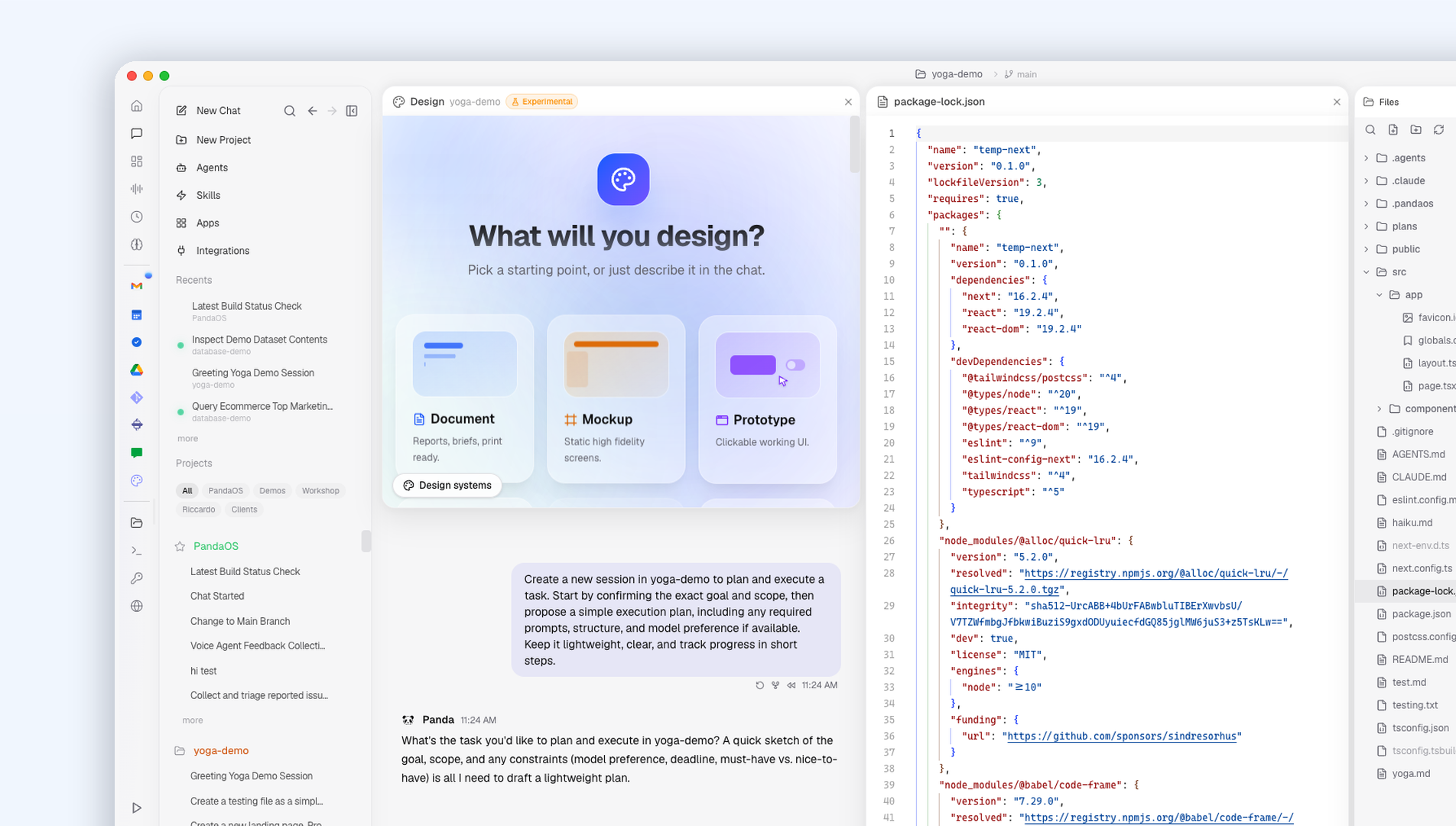
A Better Interface for Modern Work
Stop forcing terminals and scattered tabs, it's not 1989. PandaOS gives you a beautiful, intuitive environment for modern work.
Learn more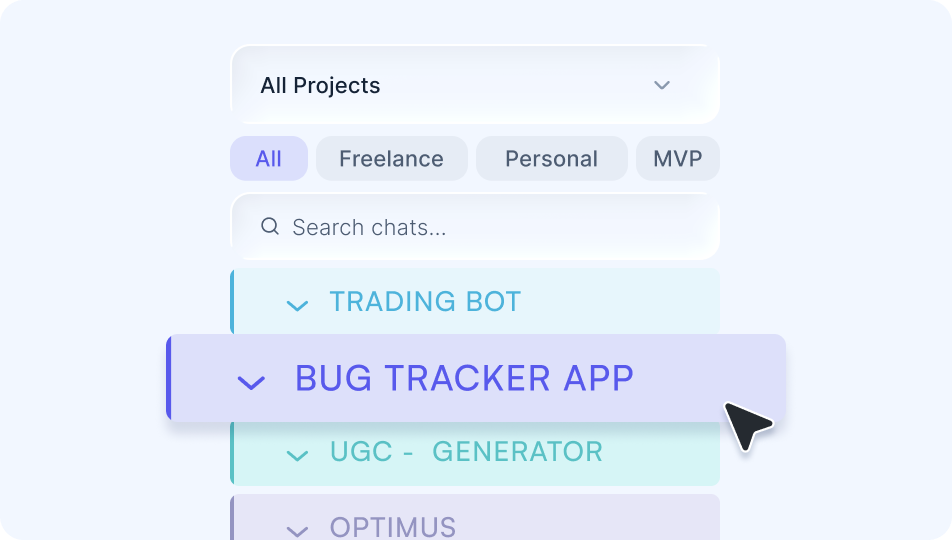
Multi-Project Orchestration
Manage repos, projects, and scripts simultaneously. Switch context instantly without losing terminal, browser, or agent state.
Learn more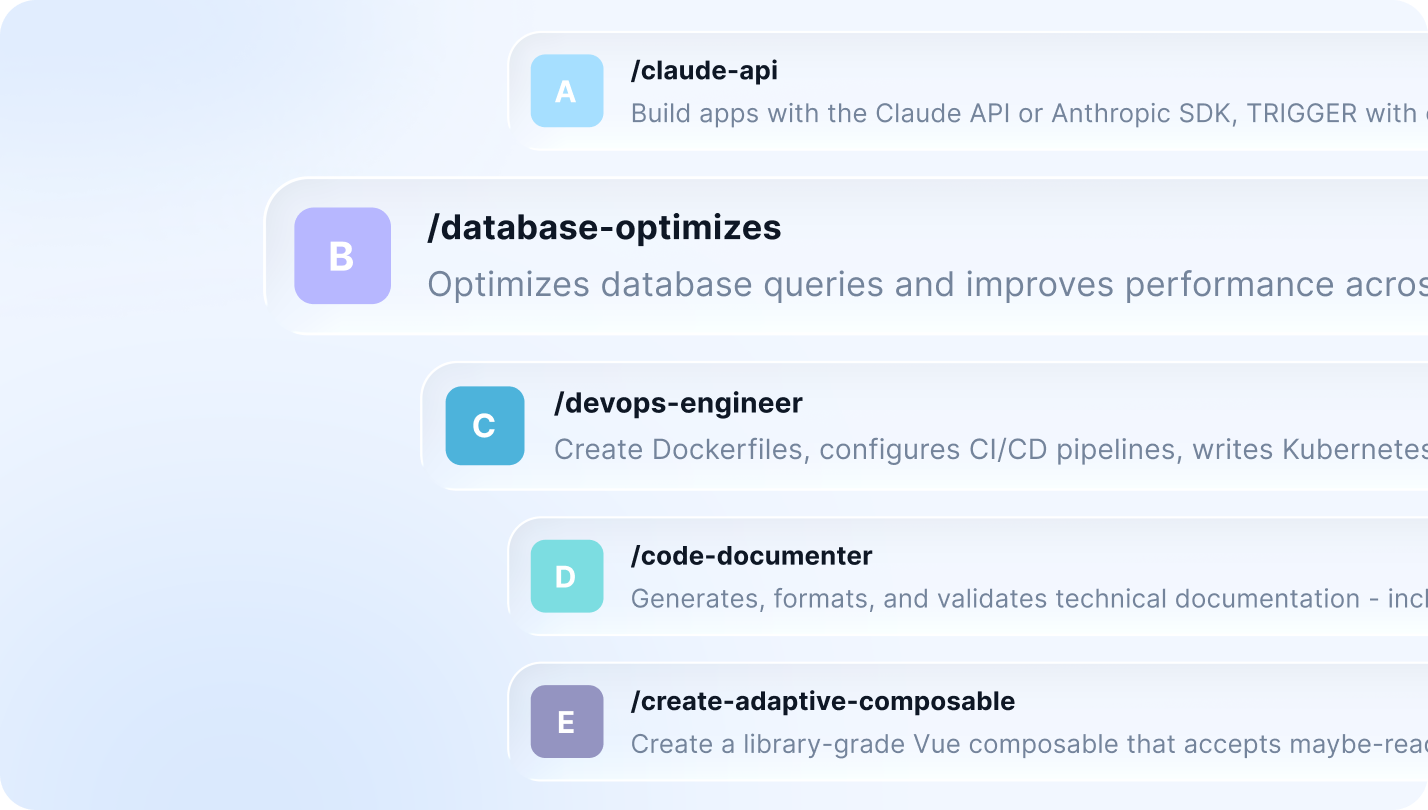
Reusable Agent Workflows
Save the way you work so recurring tasks, repeatable flows, and agent setups run faster with less manual setup every time.
Learn more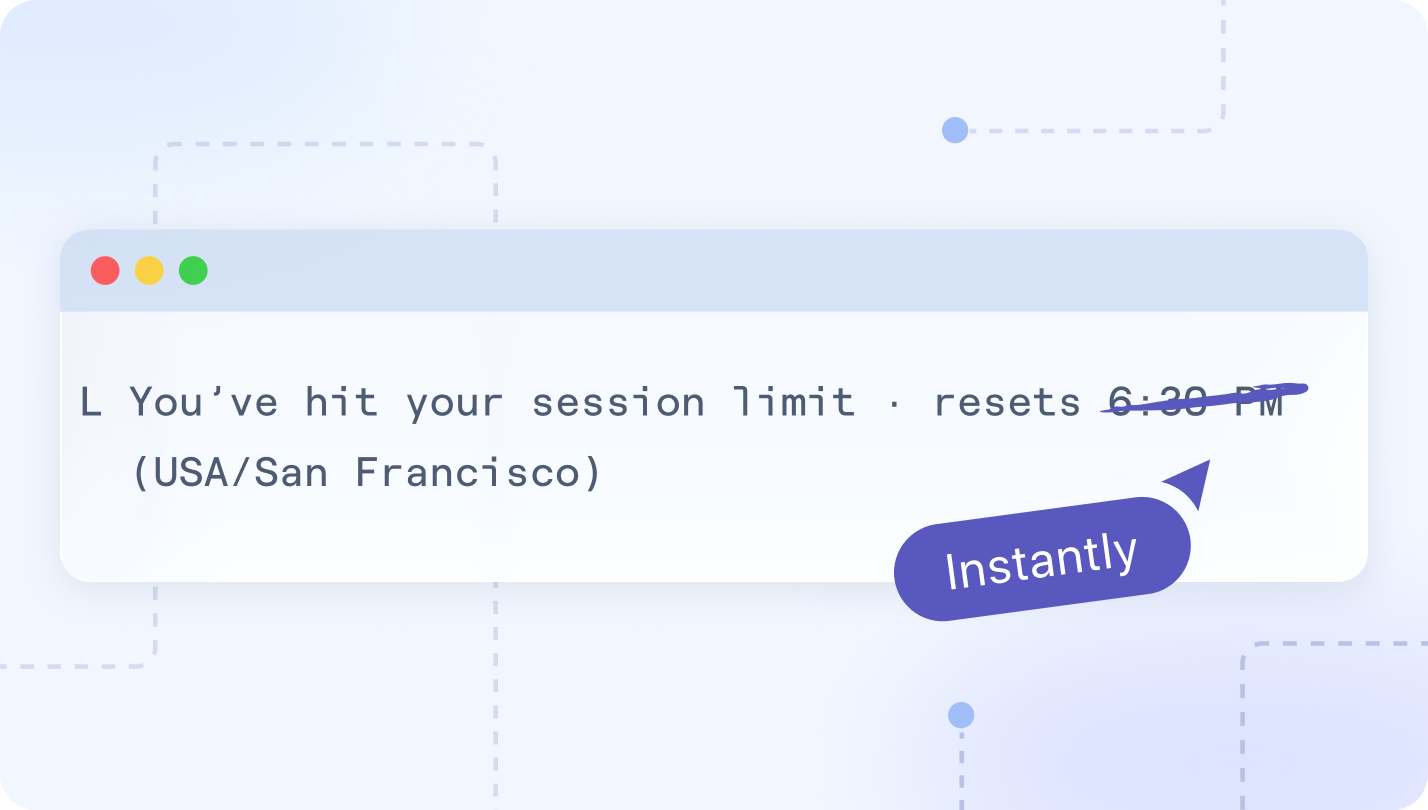
Bypass Session Limits
Bring multiple AI accounts or keys and let PandaOS hot-swap to an alternate connection the moment you hit a limit.
Learn more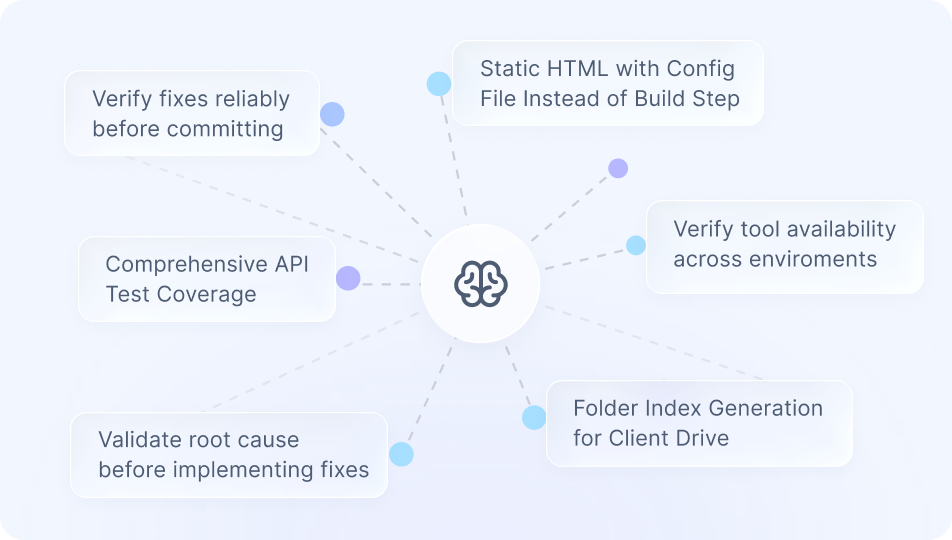
Persistent Project Memory
A local knowledge graph that learns your infra and workflows so you never have to re-explain your stack.
Learn more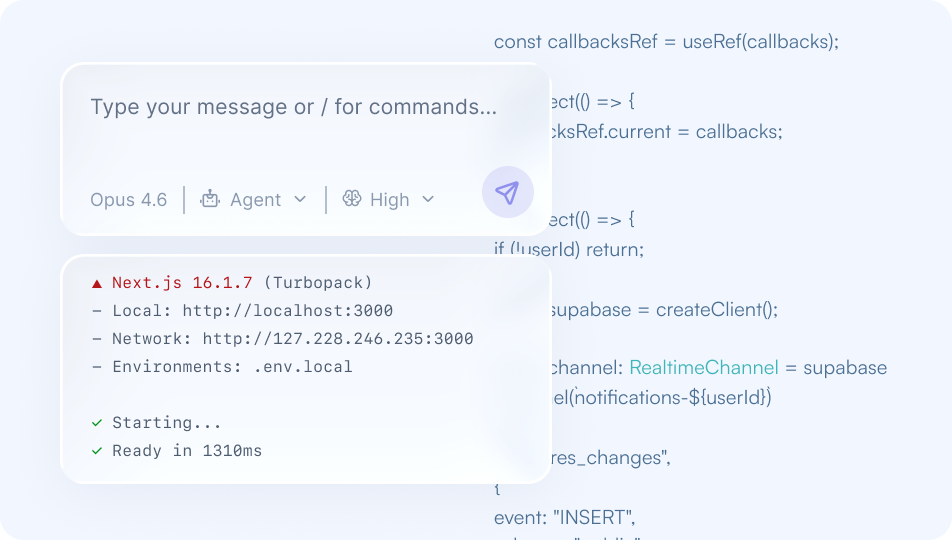
AI-Native Dev Environment
Code, edit, and debug with an LLM that has the full context and environment, not just the file you're looking at.
Connected App Ecosystem
Let AI work across tools like GitHub, Vercel, email, Supabase, Slack, and deploy flows, without copy-pasting between systems.
Learn more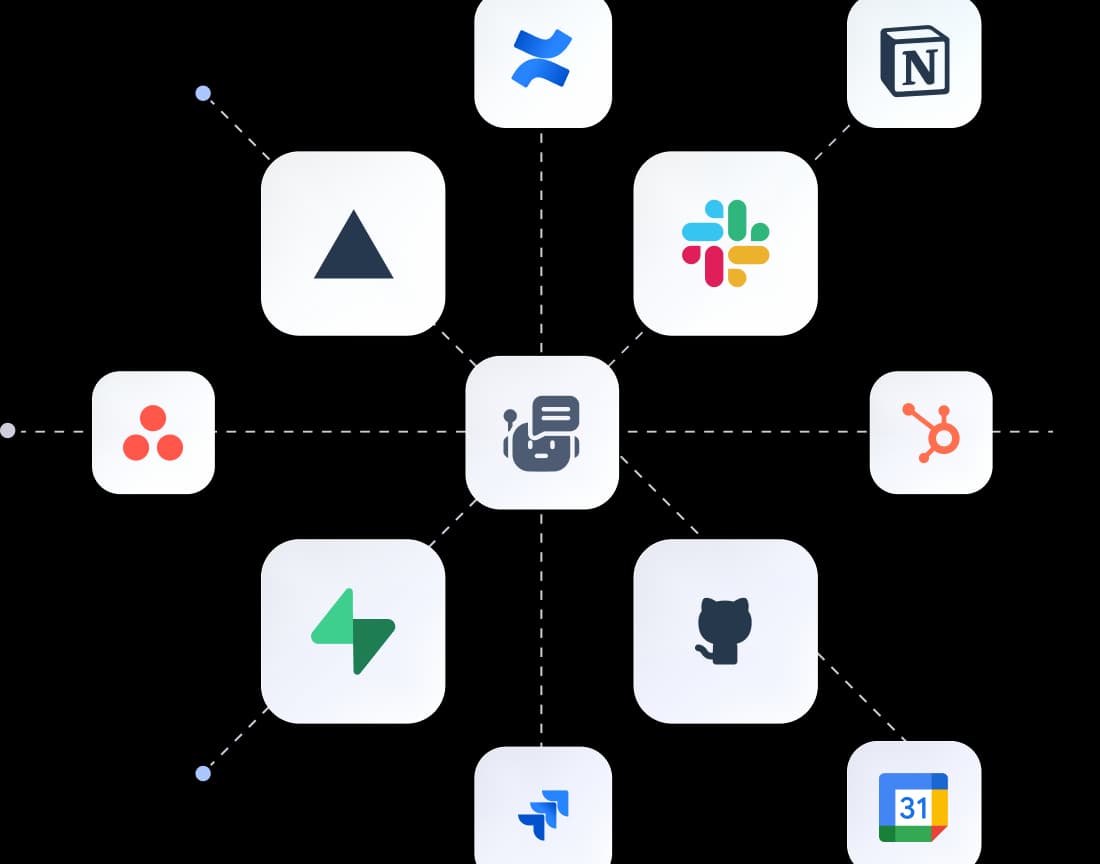
For builders juggling too much.
Founders, developers, and operators running more tools than any one person can keep in their head.

Builders
Juggling multiple tools, projects, and AI workflows.

Founders
Running build, test, deploy, and support from one place.

Developers
Using Cursor, Claude Code, or custom scripts today.
Real workflows, start to finish.
From inbox → code → deploy → report. PandaOS executes real workflows across your tools, so you can ship without switching context.
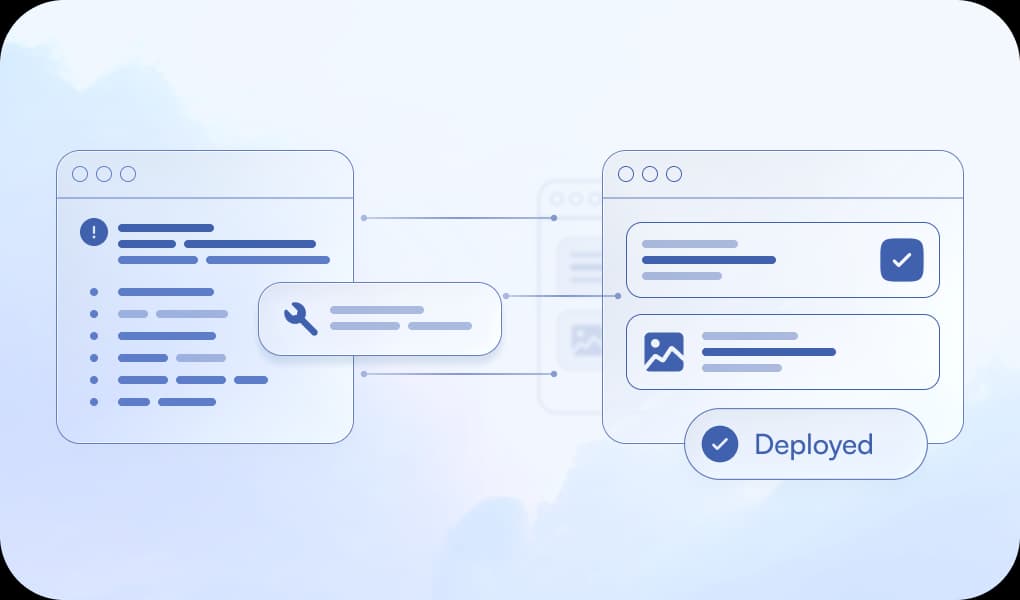
Bug Report Email to Deployed Fix
- Panda reads the email, finds the broken code, fixes it
- Opens the browser to verify the fix on the dev server
- Deploys and drafts a reply to the reporter confirming it's fixed
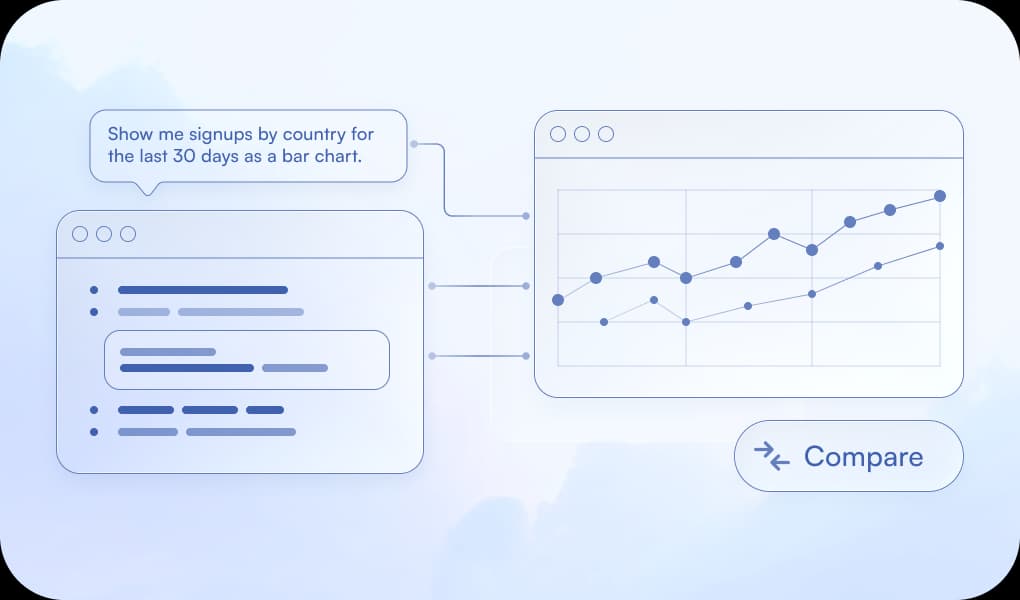
Analytics Query from Plain English
- Panda opens the database panel, queries the data
- Visualizes the result as a chart
- Follow up: "Now compare it to the previous 30 days"
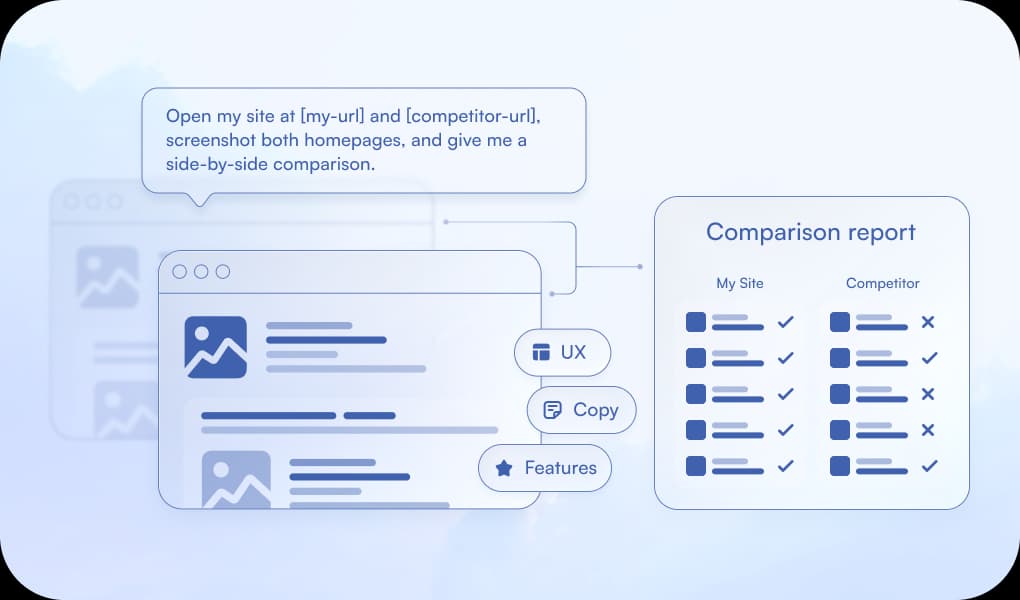
Competitive Site Audit
- Panda opens both sites in the browser, screenshots them
- Analyzes UX, copy, and feature differences
- Outputs a structured comparison report
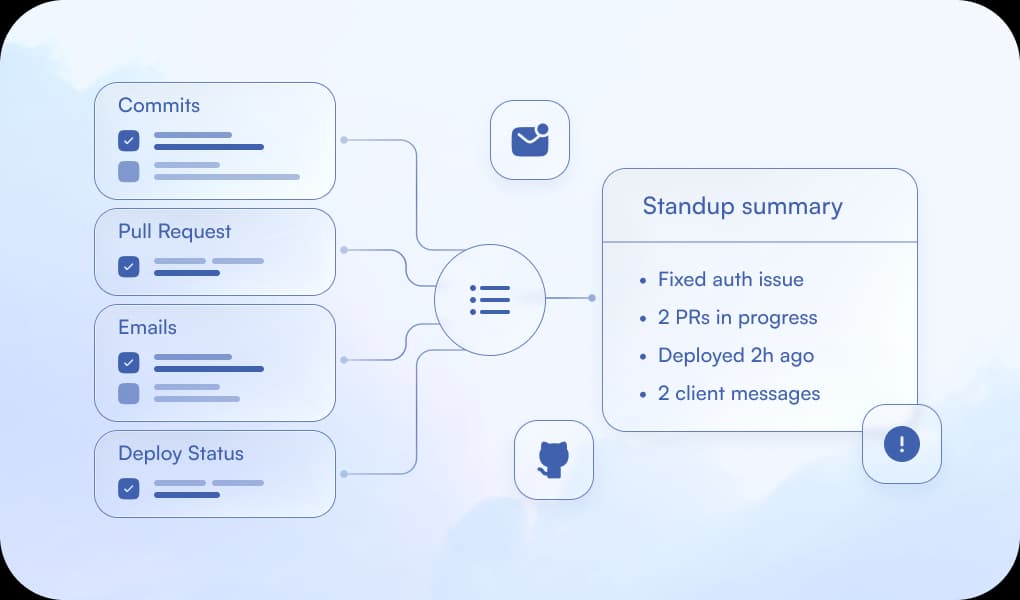
Dev Standup Prep
- Panda checks Git, Vercel for deploy status, and Gmail for messages
- Synthesizes everything
- Outputs a ready-to-paste standup summary
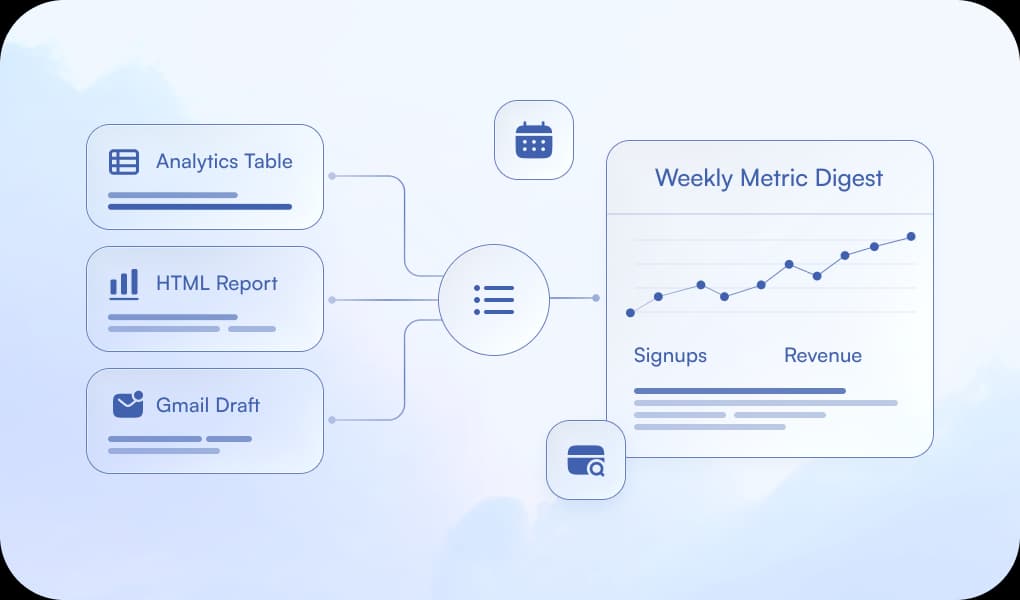
Weekly Metrics Digest
- Panda opens the database panel, queries the metrics
- Generates an HTML report with charts
- Opens Gmail and drafts the email with the report attached
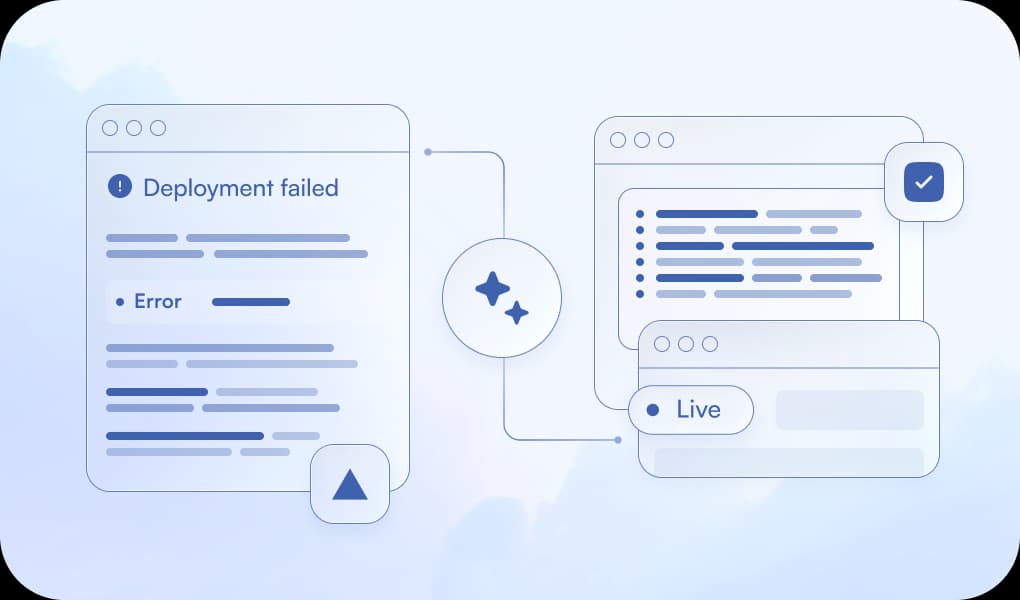
Failed Deployment Fix
- Panda opens the Vercel tab, pulls the latest deployment and build logs
- Reads the error, finds the broken code, fixes it
- Opens the browser to verify the new deploy is live
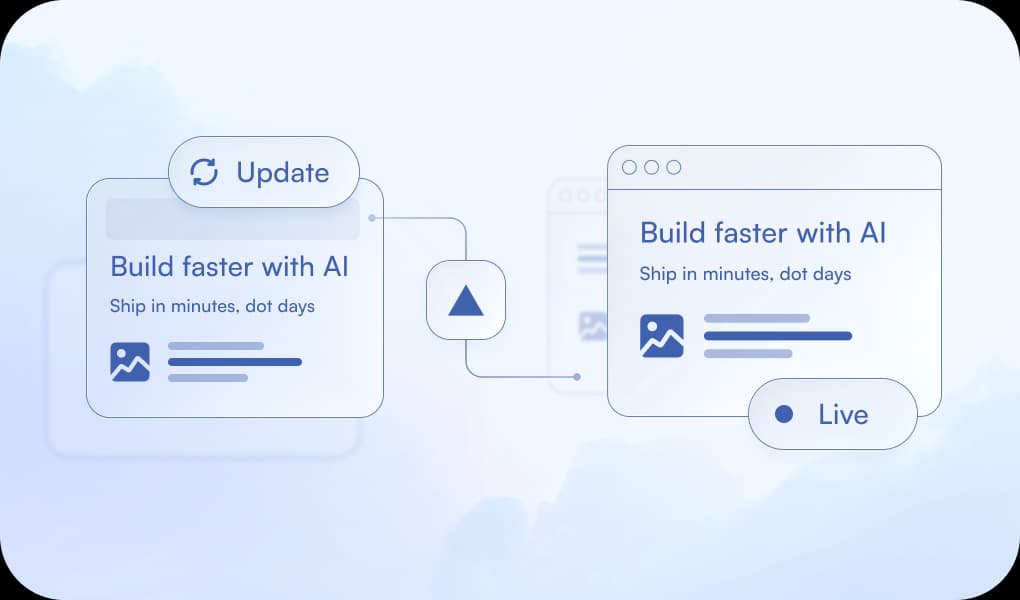
Update the Hero and Verify It's Live
- Panda finds the hero component, updates the copy
- Opens the browser to show the change on the dev server
- Deploys to Vercel, opens the live URL to confirm
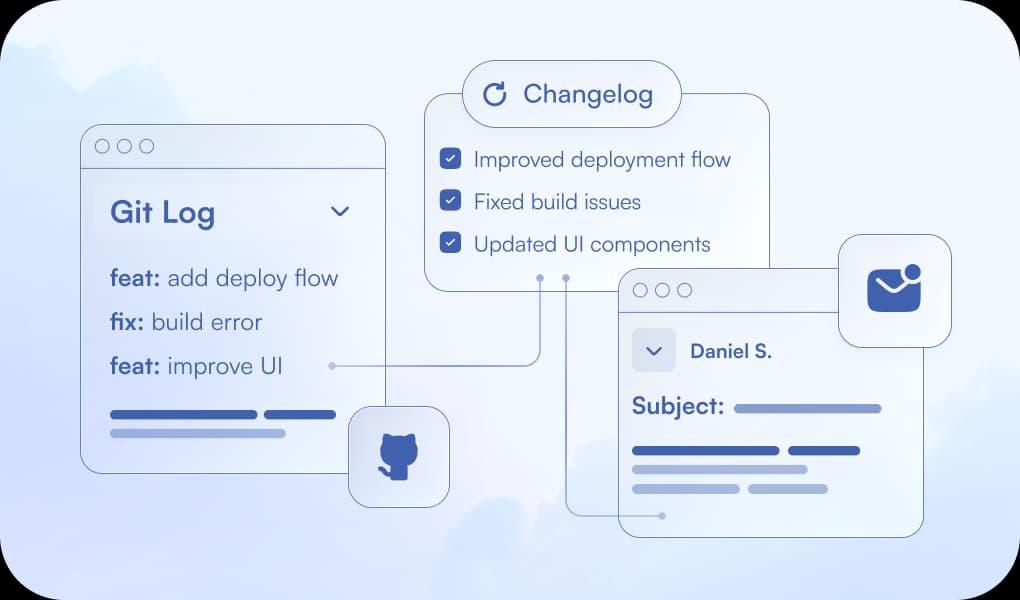
Release Changelog to the Team
- Panda reads git log since the last tag
- Writes a clean changelog
- Opens Gmail and drafts the email ready to send
Start building today.
Download PandaOS, connect the stack you already work in, and put your starter usage to work. Free to start, no credit card needed, and a paid plan whenever PandaOS is carrying the load.