

AI coding agents are starting to converge on the same headline capabilities. Repo access, multi-file edits, terminal commands, tests, and increasingly autonomous execution are becoming standard rather than differentiators.
The bigger differences now sit in the agent harness: the layer managing context, tools, permissions, and execution around the underlying model.
That’s the lens we used for this guide. We’re less interested in which model wins a benchmark and more interested in how each agent behaves once you drop it into a real development environment.
TL;DR
If you just want the shortlist, start with the surface and operating model that best matches how you build.
- Claude Code: Best for terminal-first agentic development
- OpenAI Codex: Best for developers already in the OpenAI ecosystem
- Cursor: Best for an AI-native editor experience
- GitHub Copilot: Best for GitHub-centric teams
- OpenCode: Best open-source agent for model flexibility
- Cline: Best for explicit control inside your existing tooling
- Google Antigravity: Best for parallel agent orchestration
One important distinction: PandaOS isn’t another coding agent. It’s the local workstation around them, which is why we care about how each agent fits into the rest of the dev stack.
How We Evaluated the Coding Agents
We compared the tools on the parts of the agent stack that affect real engineering work: how well they understand a codebase, what they can execute, where they run, and how much control you keep.
Codebase Context
Can the agent locate relevant files, follow dependencies, understand project conventions, and make coordinated changes across a repo rather than treating every file in isolation?
Execution Loop
Can it edit files, run commands, inspect failures, execute tests, and iterate on the result instead of stopping after generating a patch?
Environment & Tooling
Does it have access to the terminal, browser, Git, MCP servers, cloud environments, external services, or other tools required to close the loop on a task?
Model & Control
Which models can you use? Where does execution happen? How are permissions handled? And how easy is it to review, interrupt, redirect, or approve what the agent is doing?
Quick Comparison
| Agent | Best For | Main Surface | Model Approach | Execution Model |
|---|---|---|---|---|
| Claude Code | Terminal-first engineering | Terminal, IDE, web | Claude models | Local + remote |
| OpenAI Codex | OpenAI-native development | Desktop, CLI, IDE, cloud | OpenAI models | Local + cloud |
| Cursor | AI-native editor workflows | Editor, web, mobile | Multiple frontier models | Local + cloud |
| GitHub Copilot | GitHub-centric teams | IDE, GitHub, CLI, desktop | Multiple model providers | Local + cloud |
| OpenCode | Open-source model flexibility | Terminal, IDE, desktop | 75+ providers + local models | Local-first |
| Cline | Developer-controlled agent runs | IDE, terminal, desktop | BYOK + local models | Local-first + headless |
| Google Antigravity | Parallel agent orchestration | App, IDE, CLI | Gemini + select partner models | Local-first + remote control |
Top AI Coding Agents to Check Out
1. Claude Code
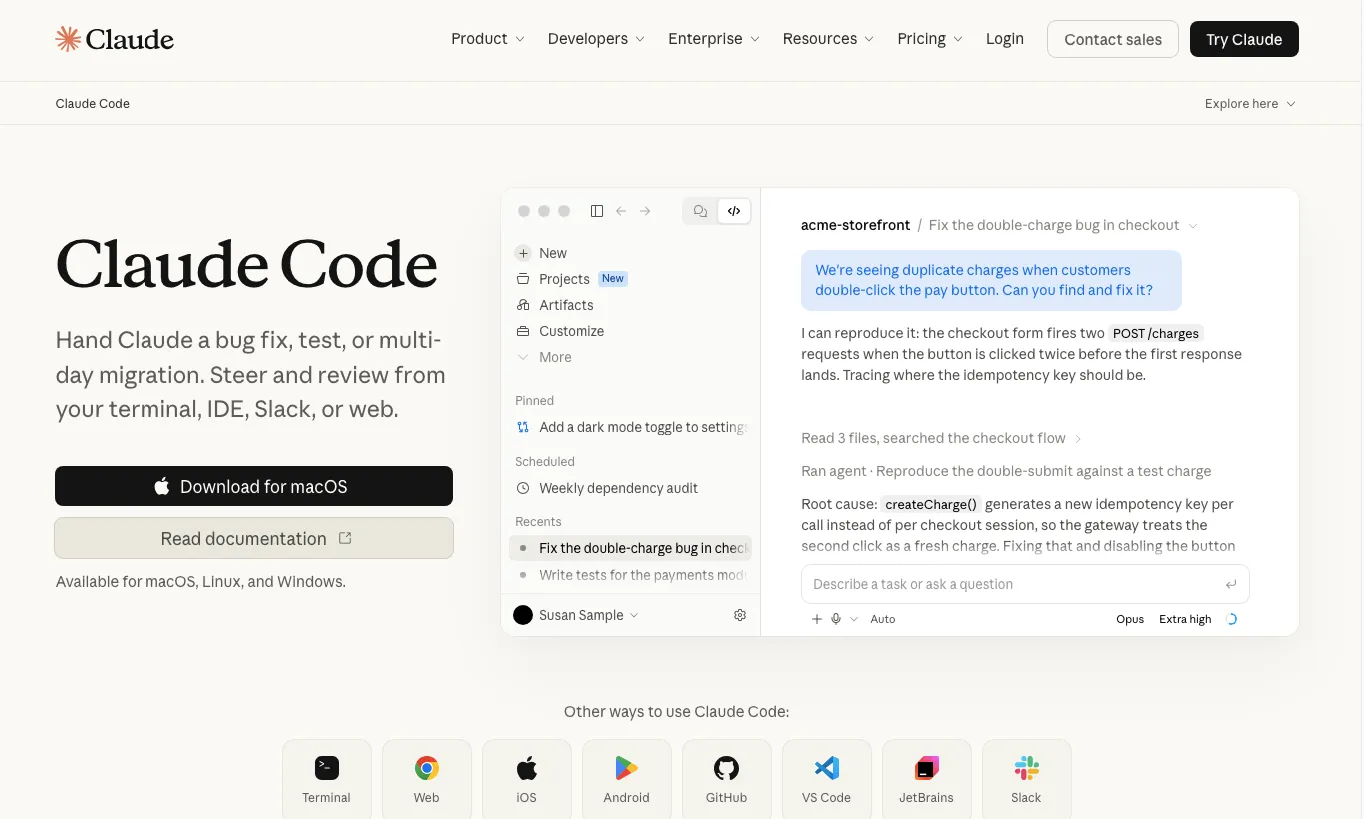
Claude Code is built for handing substantial repo work to Claude without moving the development loop away from the shell.
It can work across terminal, supported IDEs, web, GitHub, and Slack, with the ability to inspect a codebase, modify files, run commands, and handle longer engineering tasks such as bug fixes, tests, and migrations.
Its strongest fit is developers who are already comfortable treating the terminal as the control plane for their coding agent.
Strongest at
- repo-wide changes
- terminal-first debugging
- refactors and migrations
- Git-heavy engineering work
Trade-off
Claude Code is built around Anthropic’s model ecosystem. If moving freely between model providers is central to your setup, a model-neutral harness may fit better.
2. OpenAI Codex
Codex is a strong fit if ChatGPT and OpenAI models are already part of your daily stack.
It now extends well beyond isolated code generation, with support for local and cloud development, multiple terminals, PR review, remote development environments, browser workflows, and parallel agent work.
That makes it particularly useful for developers who want one OpenAI-native agent layer across both interactive coding and longer delegated tasks.
Strongest at
- feature development
- refactors and bug fixing
- parallel engineering tasks
- OpenAI-heavy dev stacks
Trade-off
Codex naturally centers the workflow on OpenAI models. Developers looking for one harness across several competing providers may prefer a more model-neutral tool.
3. Cursor
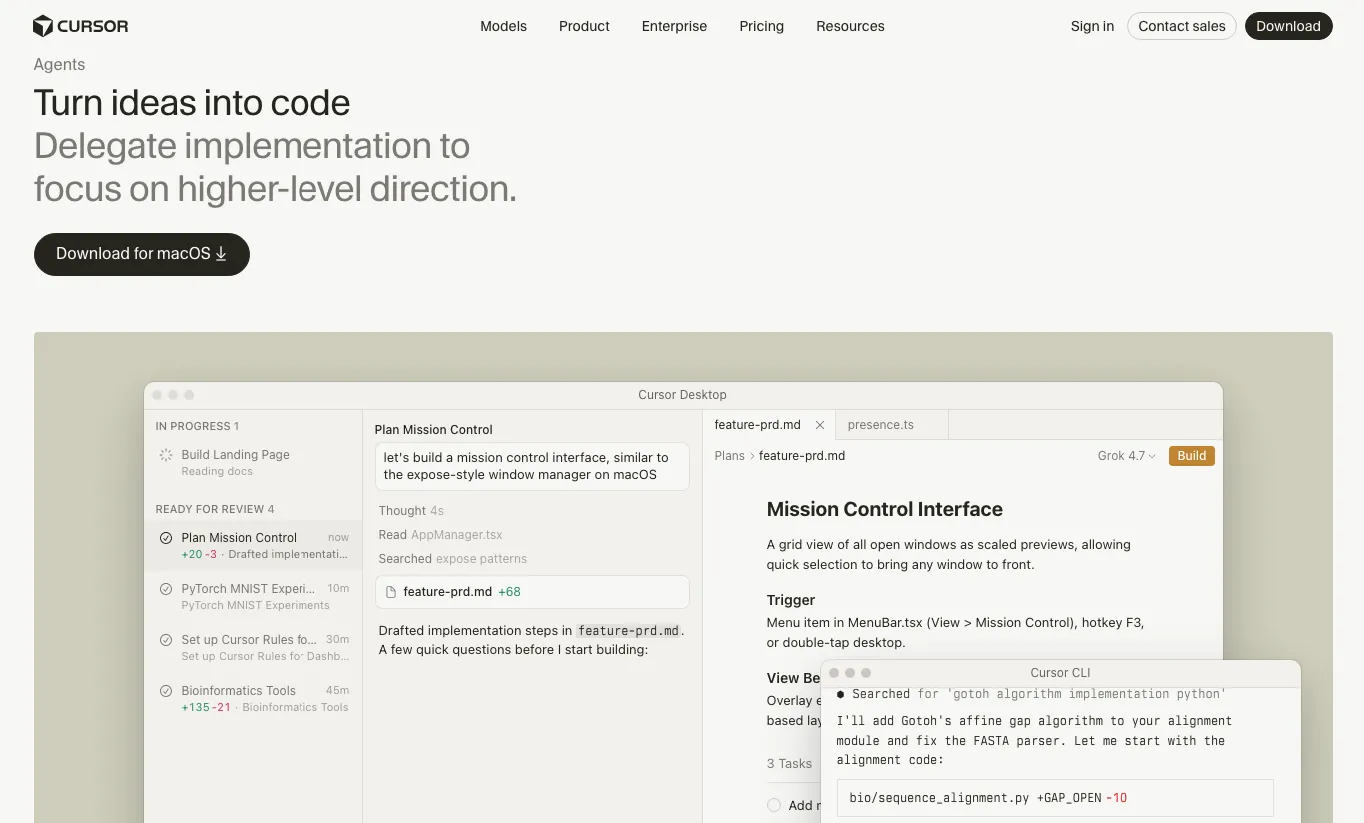
Cursor is strongest when you want the agent, editor, diffs, terminal, project context, and remote execution designed as parts of the same development environment.
Cursor Agent can search the codebase, edit multiple files, run terminal commands, fix errors, write tests, and verify its work. Cloud Agents extend that model into isolated environments where agents can build, test, use browsers, access MCP tools, work across multiple repos, and open PRs without relying on your local machine.
That makes Cursor less of an “AI editor with autocomplete” and more of an agent-centric development environment.
Strongest at
- interactive agent-driven coding
- editor-first workflows
- local-to-cloud handoffs
- parallel work across repos
Trade-off
Cursor is an opinionated environment. If you want to keep your existing editor and layer an agent around it instead, another tool may require less workflow change.
4. GitHub Copilot
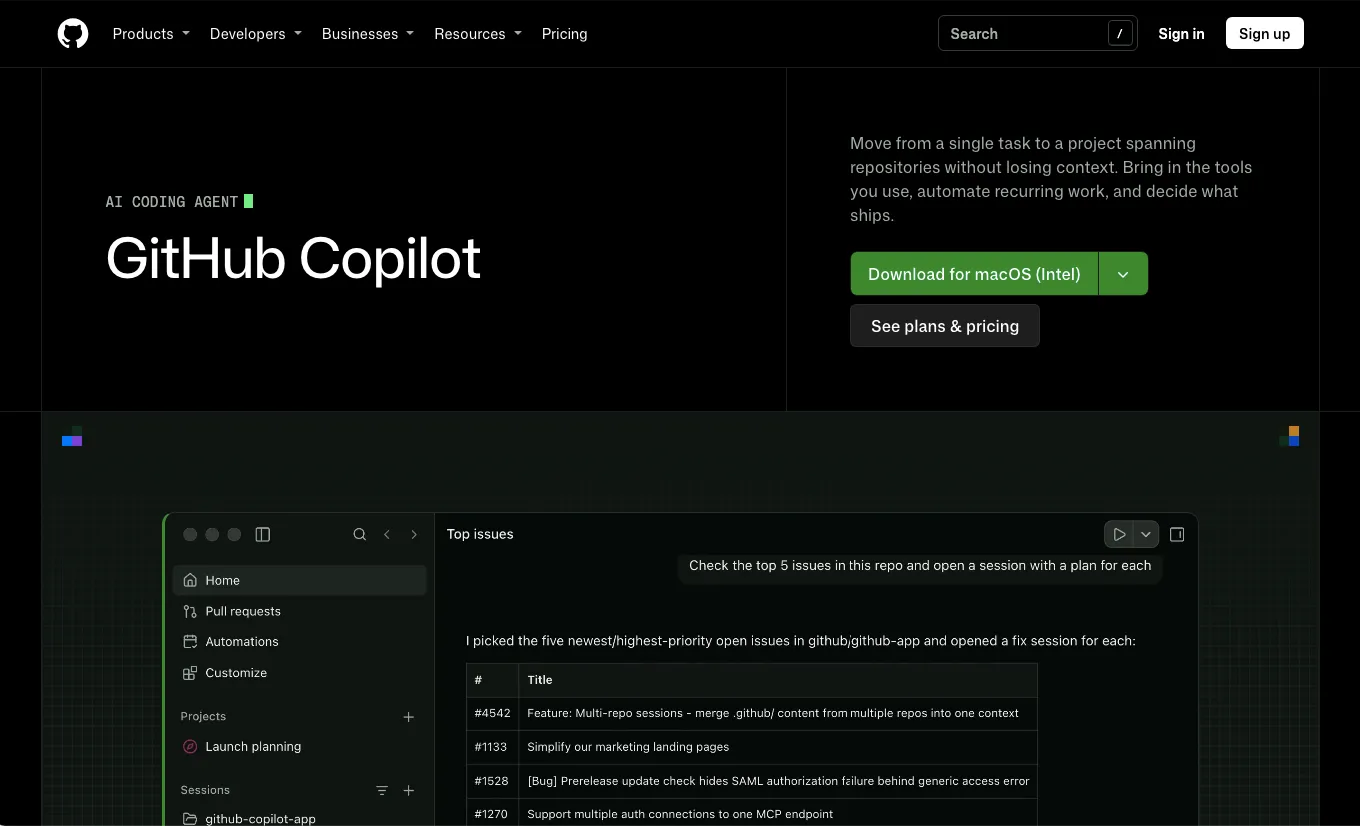
GitHub Copilot makes the most sense when GitHub already sits at the center of how your team handles repos, issues, PRs, reviews, and engineering governance.
Copilot now spans IDE agent mode, GitHub-native cloud agents, CLI workflows, code review, desktop, MCP integrations, and models from several providers. Its CLI can also work directly with issues and pull requests and coordinate parallel subagents.
The deeper your development process already lives inside GitHub, the more valuable that native context becomes.
Strongest at
- issue-to-PR workflows
- GitHub-heavy teams
- code review
- managed engineering environments
Trade-off
If GitHub itself is not the center of your workflow, some of Copilot’s biggest advantages matter less.
5. OpenCode
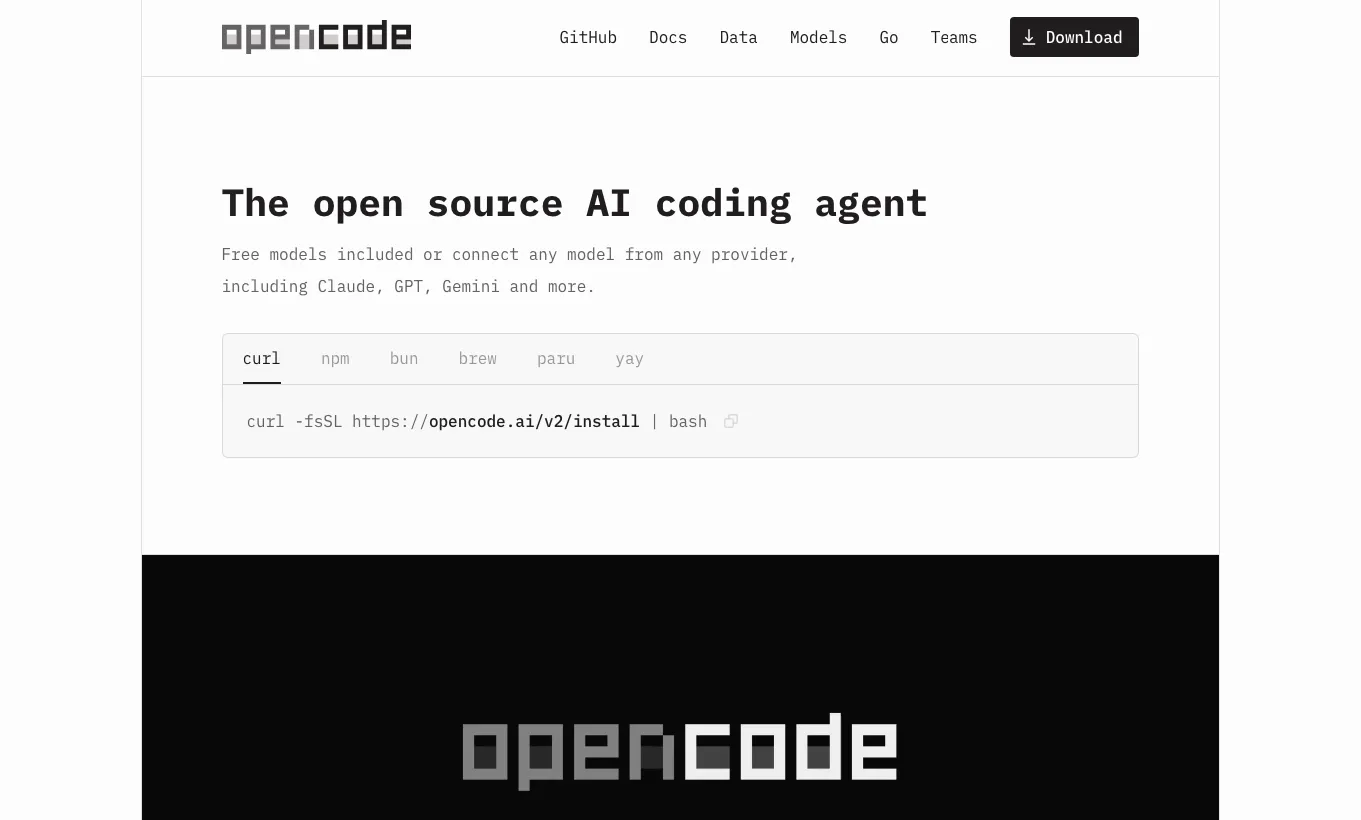
OpenCode is a strong choice when you want the agent harness to stay stable while the model underneath it changes.
It runs across terminal, IDE, and desktop, supports more than 75 model providers including local models, and can run several agent sessions in parallel on the same project.
That makes it especially attractive for developers who already think in terms of model routing rather than model loyalty.
Strongest at
- terminal-first development
- BYOK setups
- multi-provider workflows
- local-model experimentation
Trade-off
Flexibility brings configuration overhead. You own more of the provider setup, credentials, model selection, and environment decisions.
6. Cline
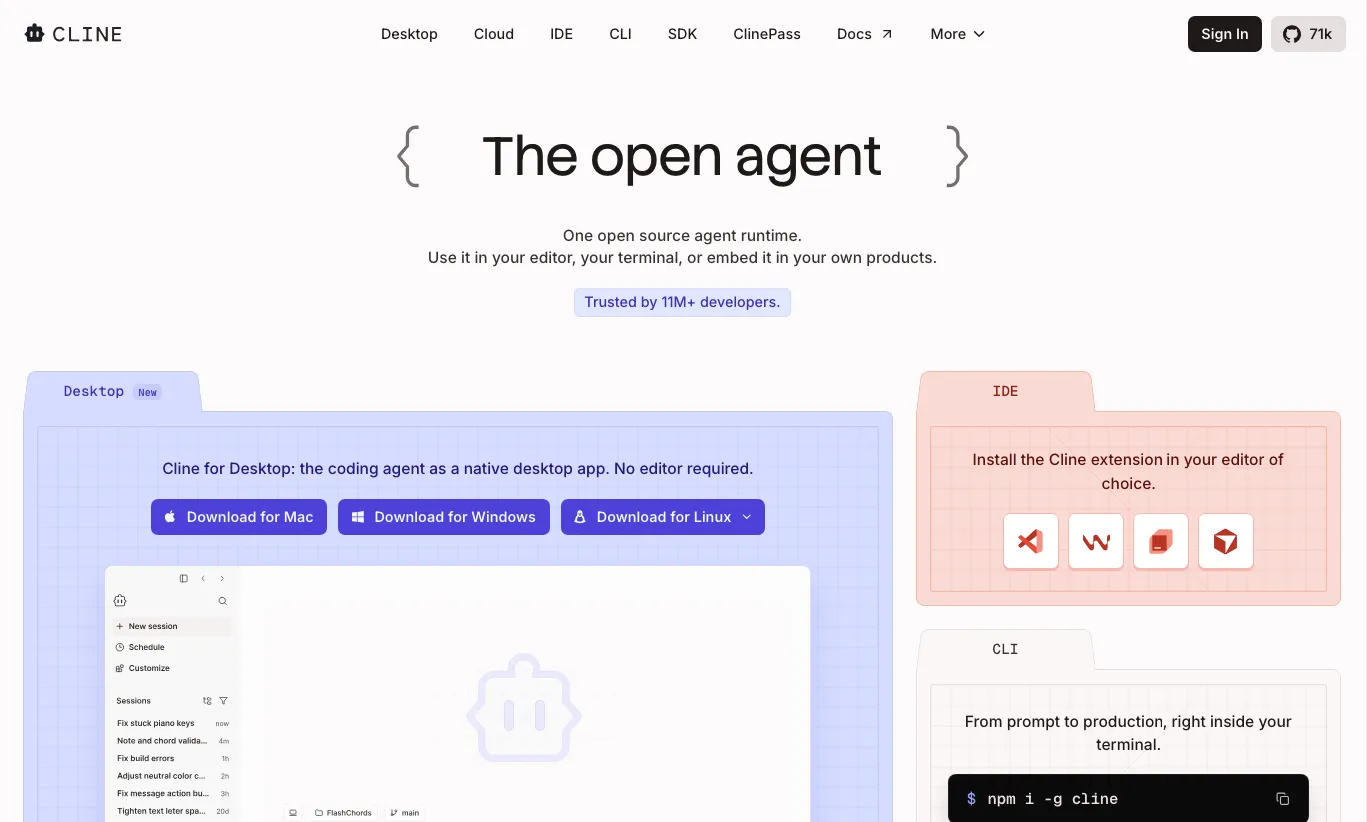
Cline is built for developers who want an open-source agent inside their existing tooling while keeping tighter control over planning, permissions, execution, and model choice.
It supports coordinated multi-file changes, shell commands, checkpoints, Plan-and-Act workflows, MCP, custom rules, BYOK, and local models through tools such as Ollama or LM Studio. Cline can also run headlessly in CI and other automated environments.
Its approval model makes it particularly useful when you want to inspect the agent’s approach before giving it permission to execute.
Strongest at
- controlled agent execution
- existing IDE workflows
- local and BYOK models
- approval-heavy environments
Trade-off
Like OpenCode, Cline gives you more decisions to make. That control is useful for power users but can feel like extra setup if you want a more managed experience.
7. Google Antigravity
Antigravity is increasingly built around coordinating agent work across projects rather than treating the agent as a single chat attached to one codebase.
Its current stack spans an app, CLI, IDE surfaces, asynchronous subagents, local execution, browser tooling, remote control, and support for Gemini alongside selected partner models depending on plan and surface.
Google has also added official local-model support through the Antigravity SDK, including on-device and OpenAI-compatible local endpoints.
Strongest at
- parallel agent work
- multi-project orchestration
- Gemini-heavy stacks
- local + remote agent control
Trade-off
Its strongest integrations and product advantages remain closely tied to Google’s broader developer ecosystem.
How to Choose the Right Agent for Your Stack
Start with the development loop you already want to preserve. The best choice is usually the agent that fits that operating model with the least friction.
If the Terminal Is Home
Start with Claude Code, OpenCode, Cline, Codex, or Antigravity CLI.
Use the model ecosystem to narrow it down:
- Claude-first → Claude Code
- OpenAI-first → Codex
- multi-provider → OpenCode
- BYOK + explicit approvals → Cline
- Google-heavy stack → Antigravity
If You Want the Agent Inside the Editor
Look hardest at Cursor and GitHub Copilot.
Cursor gives you an environment designed around its agent system. Copilot fits more naturally when you want to keep your current IDE and GitHub-based workflow.
If You Want to Delegate Work in the Background
Look at Codex, Cursor Cloud Agents, GitHub Copilot agents, Antigravity, and Devin.
Here, the important questions are whether the agent gets a complete environment, can run and verify the software, and can return something reviewable without your machine staying involved.
If Model Portability Matters
Start with OpenCode or Cline.
Both make model/provider flexibility part of the core architecture rather than an additional model picker inside a managed ecosystem.
Cursor and Copilot also expose multiple models, but the surrounding platform remains controlled by the vendor.
Where PandaOS Fits Around These Agents
PandaOS isn’t another entry in this ranking. Coding agents handle implementation; PandaOS is the local workstation around them.
The idea is to keep the rest of your dev environment stable even when the agent changes.
- Projects stay organized in one workspace.
- Terminal and browser state stay tied to the work.
- Supported agents and model connections can be chosen based on the task.
- Connected services can participate in the same development flow through PandaOS integrations.
- Project context and reusable workflows remain available beyond one agent session. That matters once your stack stops revolving around a single coding agent.
A refactor might go to Claude Code. Another task might make more sense with Codex or a different model connection. The coding layer can change without forcing you to rebuild the projects, tools, and context surrounding it.
Final Thoughts
The leading tools have converged on many of the same core abilities, but they still differ substantially in where they run, what they can touch, which models they support, and how much control you keep.
So, the better question isn’t “Which coding agent is best?” It’s “Which agent fits the work I’m doing right now?”
If you think PandaOS would make a difference for you and your team, give it a try today.
FAQ
What is an AI coding agent?
An AI coding agent takes a development goal and works toward it by reading the codebase, editing files, using development tools, and reacting to the results.
That differs from traditional autocomplete, which primarily predicts the next piece of code while you type.
What is the difference between an AI coding agent and an AI coding assistant?
A coding assistant mainly helps you while you work: generating code, answering questions, or suggesting edits.
An agent can take ownership of a larger task, decide which files and tools it needs, execute actions, inspect the result, and continue iterating toward the requested outcome.
Can AI coding agents run locally?
Yes, but the execution model varies.
Some agents operate directly against your local repo and terminal, while others run work in managed cloud environments. Open-source tools can also support locally hosted models through systems such as Ollama or LM Studio.
Do AI coding agents support MCP servers?
Many current agents support Model Context Protocol integrations, allowing them to access external tools and data sources beyond the codebase.
Support still differs by product, surface, and permission model, so check the specific agent before designing a workflow around an MCP dependency.
What permissions should I give an AI coding agent?
Start with the minimum access required for the task.
Be especially deliberate about shell execution, credentials, production infrastructure, external APIs, database write access, deployments, and files outside the active project.
Increase autonomy only when the environment and review process justify it.
What happens when a coding agent hits its usage limit?
That depends on the provider and plan. You may need to wait for the quota to reset, switch to API-based usage, move to another plan, or continue the task with another model or agent.
If uninterrupted access matters, usage limits should be treated as part of the agent-selection decision rather than something to discover halfway through a long task.
Do AI coding agents replace developers?
They can take over increasingly substantial implementation work, but the developer still owns requirements, architecture, product judgment, review, risk, and deciding whether the result is actually correct.